
Google Analytics 4 for marketers: key reports, events and metrics
Google Analytics 4 for beginners: how events, sessions and key events work, what engagement rate means and which report groups marketers read first.

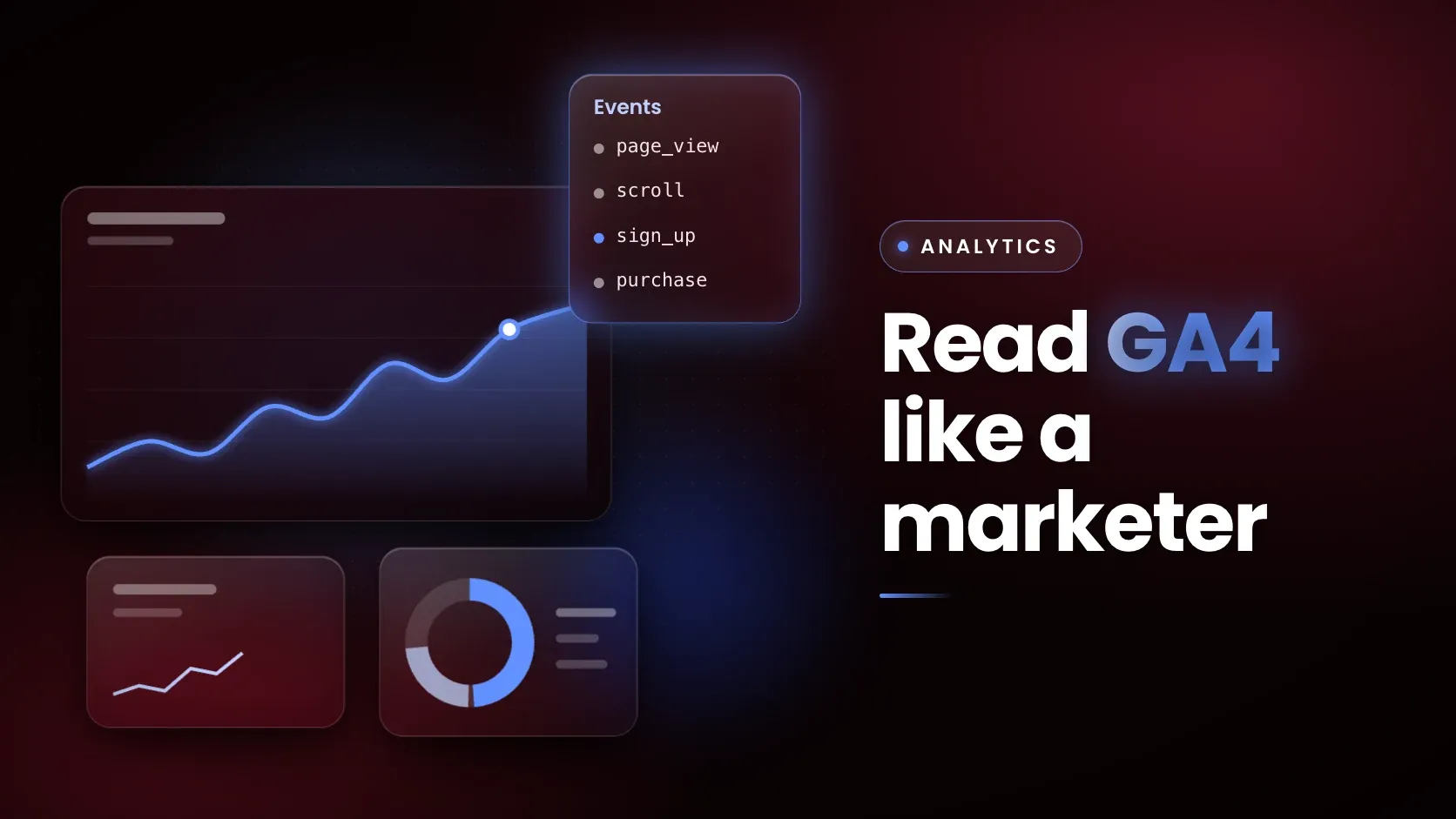
Google Analytics 4 (GA4) is Google's analytics product that records every interaction on a website or app as an event. It replaced Universal Analytics, whose standard properties stopped processing data on 1 July 2023. Marketers read GA4 through reports on acquisition, engagement, monetization and retention, mark important actions as key events, and judge visits by engagement rate and bounce rate, both defined from engaged sessions.
What is Google Analytics 4, and how does it differ from Universal Analytics?
GA4 is event-based, while Universal Analytics counted separate hit types. Google's Analytics Help says that standard Universal Analytics properties stopped processing hits from 1 July 2023 and that users lost access to current and historical Universal Analytics data from the week of 1 July 2024. The table shows the differences that change how a marketer reads the numbers.
| Aspect | Universal Analytics | Google Analytics 4 |
|---|---|---|
| Status | Standard properties stopped processing from 1 July 2023; access ended from 1 July 2024 | The current Google Analytics product |
| Data model | Hit types: page, event, ecommerce, social | Every interaction is an event |
| Event structure | Category, Action and Label | Event name plus parameters; no Category, Action or Label |
| New campaign in a visit | Starts a new session | Does not start a new session |
| Late data | Hits processed if they arrive within 4 hours of the close of the preceding day | Events processed if they arrive up to 72 hours late |
| Important actions | Goals | Key events |
Google advises rethinking data collection for the GA4 model instead of copying the old event structure across. IP masking is also switched on by default in GA4.
How does GA4 organise data: events, parameters, users and sessions?
GA4 organises data around four ideas, and most reports are combinations of them. The table defines each in Google's terms.
| Concept | What it is | Example |
|---|---|---|
| Event | A specific interaction or occurrence on a website or app | page_view, scroll, generate_lead |
| Parameter | Extra context sent with an event; some are automatic and up to 25 more can be added | page_title, the value of a purchase |
| User | Total users are unique users who triggered any event; active users are users with an engaged session (or, on a website, a first_visit event or engagement time); new users logged first_visit or first_open | The Active users figure in standard reports |
| Session | A period of interaction that starts when a page or screen is viewed with no active session (logged as session_start) and ends after 30 minutes of inactivity by default | A visitor reading three pages in one sitting |
The 30-minute timeout can be changed in the data stream settings, and a session has no maximum length.
What events does GA4 collect?
GA4 has four types of event. Automatically collected events arrive once the tag is installed. Enhanced measurement events arrive when that setting is switched on, with no code changes. Recommended events are ones the site implements using Google's predefined names and parameters. Custom events are any others a site defines, and they do not appear in most standard reports, so they need custom reports or explorations.
Enhanced measurement covers page_view (which cannot be turned off), scroll at 90% depth, outbound clicks, site search, video engagement on embedded YouTube videos, file downloads and form interactions. Recommended events include generate_lead for a submitted form or enquiry, sign_up, login, search, share and purchase.
To check that an event fires, use the Realtime report, which shows events from the last 30 minutes, or DebugView, which shows every event one user triggers once debug mode is on.
What is a key event in GA4?
A key event is an event that measures an action particularly important to the success of a business. Any collected event can become one: a marketer marks the event in Admin under Data display and Events. Standard properties can mark up to 30 events, and purchase is marked by default.
GA4 key events were called conversions until Google changed the term. On 21 March 2024 Google announced that key events replace what existed as conversions for behavioural analytics, and that the word conversion now refers to an action used to measure ad performance and set bidding in Google Ads. A key event can be turned into a Google Ads conversion, but Google Ads conversions do not appear in standard Google Analytics reports.
Two practical rules apply. Marking an event affects reports from that moment and does not change historic data, and a new key event can take up to 24 hours to show in standard reports. Reports such as Landing pages and User acquisition include a Key events column, which shows which pages and channels produce the action.
What is engagement rate in GA4?
Engagement rate is the percentage of sessions that were engaged, and bounce rate is its opposite. Google defines an engaged session as one that lasts longer than 10 seconds, has a key event, or has 2 or more page or screen views. The bounce rate is the percentage of sessions that were not engaged.
The table applies the rule to five hypothetical sessions.
| Session | Duration | Page views | Key event | Engaged? |
|---|---|---|---|---|
| A | 4 seconds | 1 | No | No |
| B | 25 seconds | 1 | No | Yes, longer than 10 seconds |
| C | 6 seconds | 2 | No | Yes, 2 or more views |
| D | 3 seconds | 1 | Yes | Yes, key event |
| E | 8 seconds | 1 | No | No |
Three of the five sessions are engaged, so engagement rate is 60% and bounce rate is 40%. Most GA4 reports do not show either metric by default. An Editor or Administrator has to add them to a detail report through Customize report. The 10-second threshold can also be changed in the data stream settings.
Which GA4 reports do marketers use?
Two parts of GA4 do most of the work for marketing questions: the Life cycle collection and Explorations. The Life cycle collection appears when "Get baseline reports" was chosen at setup, when the property was created before 27 March 2023 or when it was migrated from Universal Analytics, and it groups reports under four headings.
| Question | Report | What it shows |
|---|---|---|
| Where do sessions come from? | Traffic acquisition | Sessions by session default channel group, such as Organic Search or Paid Social |
| Where did new users first come from? | User acquisition | New users by the channel that first brought them |
| Which pages bring leads? | Landing pages | Key events for each landing page |
| What do people do on the site? | Events, Pages and screens | Event counts and page views |
| What do purchases look like? | Monetization overview, Ecommerce purchases | Earnings across ecommerce purchases, in-app purchases and ads |
| Do users return? | Retention overview | The share of users who return each day in their first 42 days |
| What path do users take? | Explorations | Funnel, path, cohort and free-form analysis |
The default channel group is rule-based and cannot be edited. It includes Organic Social for non-ad links on social sites and Paid Social for ads, which is why tagging matters for social media marketing. It also has an AI Assistant channel for visits from tools such as ChatGPT, Gemini and Copilot, while clicks from Google's AI Overviews and AI Mode count as Organic Search.
Revenue reports pair naturally with ratios such as ROAS and CAC, which are defined in the guide to marketing metrics.
How do you set up GA4 and tag campaigns?
Setup follows a fixed order: account, property, data stream, tag. The steps below cover a basic website.
- Create an Analytics account and a property, choosing the reporting time zone and currency. A time zone change affects only data from then on.
- Add a web data stream and install the Google tag on the site.
- Keep enhanced measurement switched on and review which events it collects.
- Check events in Realtime and DebugView before relying on any report.
- Mark the actions that matter, such as generate_lead or purchase, as key events.
- Add campaign parameters to links you control, always including utm_source, utm_medium and utm_campaign.
- Open Traffic acquisition after a few days to confirm each campaign appears under the expected channel.
Campaign parameters such as utm_source, utm_medium and utm_campaign tell GA4 where a visit came from, and the values appear in the Traffic acquisition report.
What are the limits of GA4 data?
GA4 numbers are useful but not exact, and several limits catch new users. User-level and event-level data can be retained for 2 months or 14 months, and that setting limits how far back Explorations and funnel reports can look, though standard aggregated reports are not affected. Marking a key event is not retroactive. Custom events do not appear in most standard reports, so they need custom reports or explorations.
Numbers will not match Universal Analytics or other tools exactly. GA4 processes events up to 72 hours late and counts sessions differently from Universal Analytics, and Google says the wider processing window can cause variations in reported figures. Engagement rate is also a threshold rule, not a measure of attention: a reader who spends 11 seconds on a page counts as engaged.
Where does GA4 fit in digital marketing training?
GA4 is where most marketing measurement starts, because it connects traffic sources to the actions a business cares about. The Certification Program in Digital Marketing with Applied AI, IIM Ranchi is an online programme from IIM Ranchi, run with Masai as the implementation partner, taught in live online classes with an optional campus immersion at IIM Ranchi, covering SEO, social media, email, paid ads, analytics and generative AI tools such as ChatGPT, with a capstone project.
Its modules include Measuring Success and Automating Emails and Making Sense of Data and Predicting Trends. A related read covers the digital marketing skills employers ask for.
Frequently asked questions
What is the difference between GA4 and Universal Analytics?
Universal Analytics used separate hit types such as page views, events and transactions, and GA4 treats every interaction as an event with parameters. Universal Analytics standard properties stopped processing data on 1 July 2023 and access ended from 1 July 2024. GA4 also replaces goals with key events and does not use event Category, Action and Label.
What is a key event in GA4?
A key event is an event that measures an action particularly important to a business, such as a form submission or a purchase. Any collected event can be marked as one in Admin. Google renamed conversions to key events in March 2024 for behavioural analytics and kept the word conversion for ad measurement and bidding.
What is engagement rate in GA4?
Engagement rate is the percentage of sessions that were engaged. An engaged session lasts longer than 10 seconds, has a key event, or has 2 or more page or screen views. Bounce rate is the opposite: the percentage of sessions that were not engaged. Both need to be added to most reports by an Editor.
Are conversions and key events the same in GA4?
No. Google now uses key events for important actions measured in Google Analytics and reserves conversions for actions used to measure ad performance and optimise bidding. A key event can be used to create a Google Ads conversion, but Google Ads conversions are not shown in standard Google Analytics reports.
How long does GA4 keep data?
User-level and event-level data can be kept for 2 months or 14 months in standard properties, and the setting applies to explorations and funnel reports. Standard aggregated reports are not affected by it. Age, gender and interest data always keep the two-month period.
What is a session in GA4?
A session is a period during which a user interacts with a website or app. It starts when a user views a page or screen and no session is active, and by default it ends after 30 minutes of inactivity. Session length is not capped, and GA4 creates a session ID from the session_start event.
Next step
The Certification Program in Digital Marketing with Applied AI, IIM Ranchi includes analytics alongside SEO, social media, email and paid ads in live online classes. Once the reports above make sense, the guide to social media marketing shows how to tag and read social channels.