
Best Google AI Tools in 2026 for Students: Gemini, Veo, NotebookLM & More Explained

Meta Description: Discover the best Google AI tools in 2026 for students and creators. Learn how Gemini, NotebookLM, Veo, and Workspace AI can supercharge your study routine, research, and content creation.
Whether you are cramming for a college mid-term, researching a 20-page term paper, or producing video content on the side, artificial intelligence is no longer optional it’s your ultimate study companion.
Google’s ecosystem has exploded with cutting-edge artificial intelligence, making Google AI tools some of the most powerful, accessible, and user-friendly applications available today. But with so many new tools dropping every month, which ones actually deserve a spot in your bookmarks?
In this comprehensive guide, we break down the top Google AI tools in 2026, explaining how they work, why they matter for students, and how you can combine them to save hours of study time every single week.
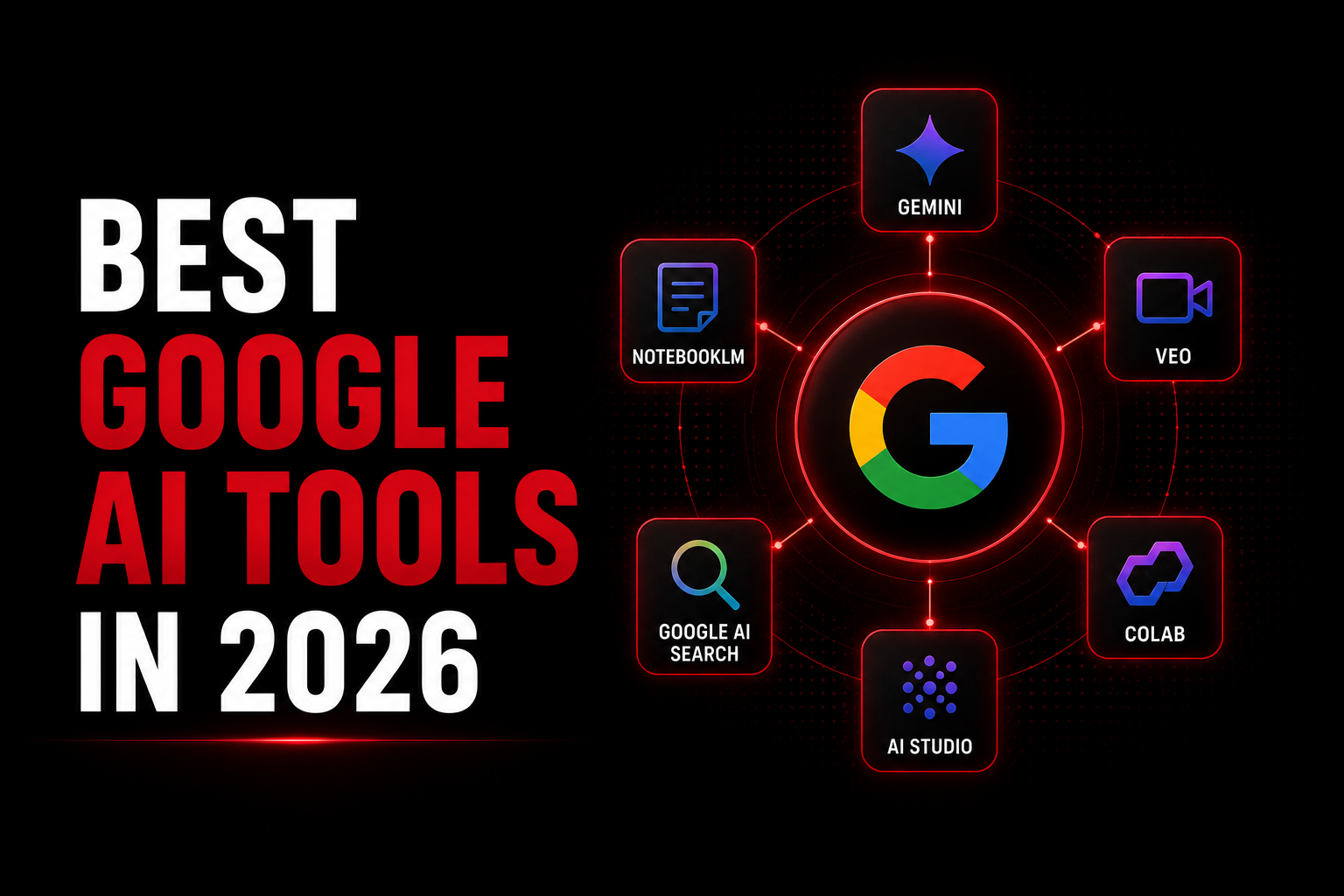
Quick Overview: Top Google AI Tools at a Glance
The Top Google AI Tools for Students and Creators in 2026
1. Google Gemini 3.0: The Multimodal Academic Companion
When people mention flagship Google AI tools, Google Gemini is usually the first name that comes up. Built to process text, images, audio, and code simultaneously, Gemini acts like a 24/7 personal tutor.
Why Students Love It:
- Deep Reasoning Capabilities: Gemini isn't just regurgitating facts; it can break down step-by-step calculus derivations, explain complex economic theories, or analyze literary themes in plain language.
- Massive Context Window: You can upload an entire 300-page textbook PDF or a 2-hour recorded lecture transcript, and Gemini will synthesize the key takeaways in seconds.
- Real-Time Web Sourcing: Unlike static language models, Gemini pulls live data from Search, giving you up-to-date answers on current events and trending topics.
Pro Tip for Students: Ask Gemini to act as a harsh grader! Paste your essay draft and prompt it: "Critique this essay like a strict university professor. Highlight weak arguments, passive voice, and formatting errors."
2. NotebookLM 2.0: The Gold Standard for Exam Revision
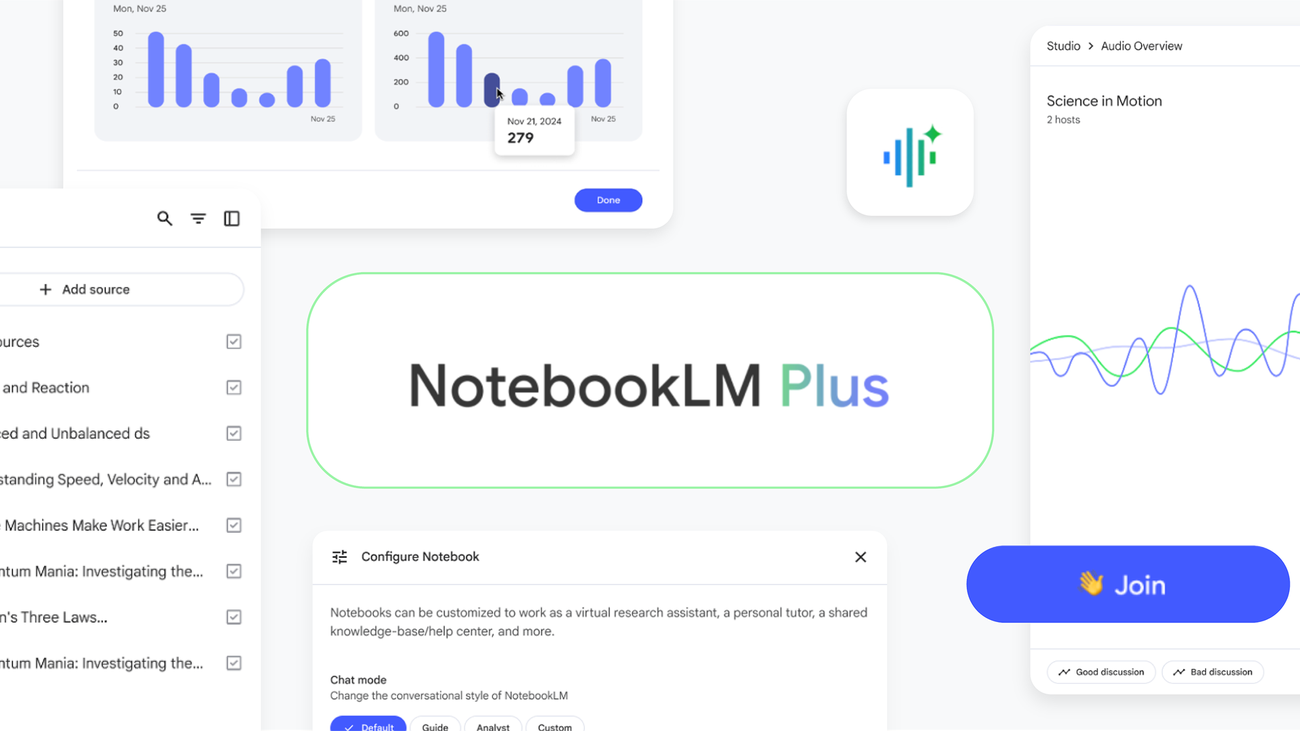
If you are looking for one of the most underrated Google AI tools for research, NotebookLM is a game-changer. Unlike general chatbots, NotebookLM grounds its intelligence strictly in the sources you upload (PDFs, Google Docs, slides, or web links).
Key Student Features:
- Zero Hallucination Risk: Because it only answers from your uploaded study materials, it won't make up false facts or fake citations.
- Audio Overviews (AI Podcast Generation): NotebookLM can turn your dense reading list into a dynamic two-host podcast episode. You can listen to your study guides while commuting, exercising, or walking across campus.
- Instant Study Guides: Automatically generates flashcards, timelines, glossaries, and practice quizzes directly from your class notes.
3. Google Veo & Imagen 3: AI Visuals & Video Creation
For students taking media, design, marketing, or communications courses, visual content creation has traditionally been time-consuming. Google’s visual Google AI toolsImagen 3 (for high-fidelity image generation) and Google Veo (for high-definition video generation) have bridged that gap.
How to Use Them in College:
- Presentation Assets: Generate custom, royalty-free diagrams, photo-realistic visuals, and graphics for presentation slides in seconds.
- Video Assignments: Use Veo to turn simple prompt scripts into 1080p video clips with realistic physics and cinematic lighting.
- Diagram Visualization: Ask Imagen 3 to depict biological structures, architectural models, or historical scenes for visual study aids.
4. Embedded Google Workspace AI: Productivity inside Docs, Sheets, & Slides
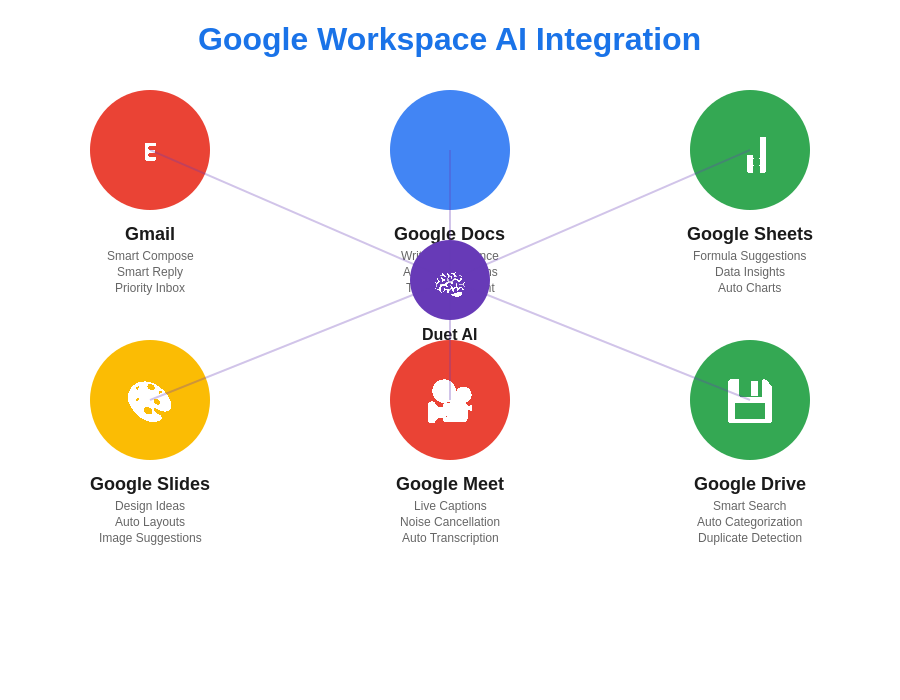
You don’t always need to visit a standalone website to access powerful Google AI tools. Google has baked generative intelligence directly into the apps you already use every day Google Docs, Sheets, Slides, and Gmail.
Everyday Student Workflows:
- Google Docs: Draft essay outlines, summarize long articles, or change the tone of an email to a professor with a single prompt.
- Google Sheets: Use natural language to format data, auto-populate tables, create formulas, or organize project trackers effortlessly.
- Google Slides: Type a brief prompt, and Workspace AI creates a slide template with custom text layouts and matching images.
5. Gemini Code Assist & AI Studio: For Tech and STEM Majors
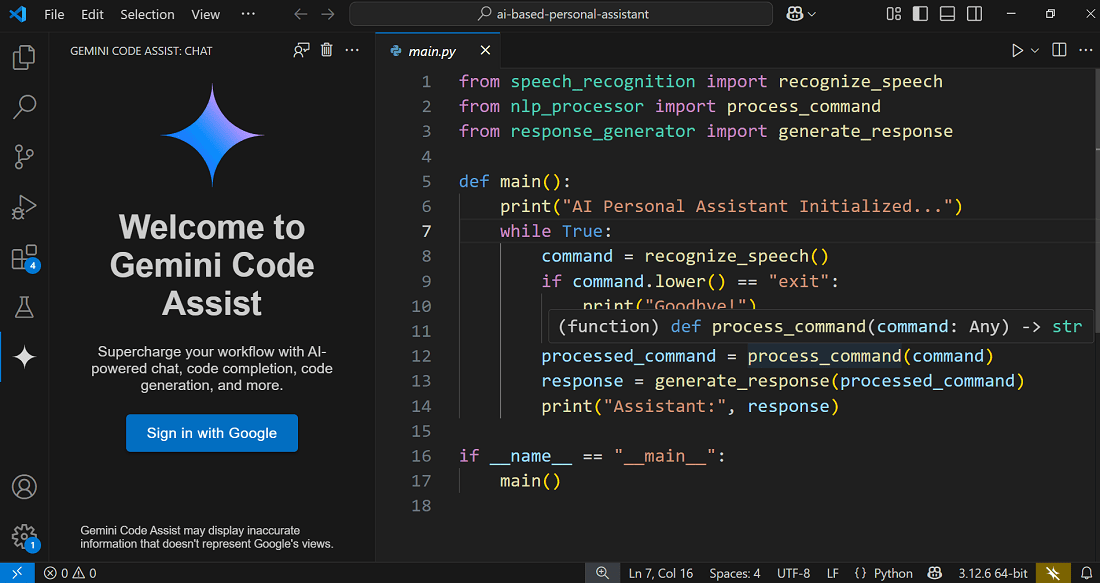
For computer science, engineering, and data analytics students, specialized Google AI tools like Gemini Code Assist and Google AI Studio offer professional-grade development environments.
What Makes Them Stand Out:
- Contextual Debugging: Paste hundreds of lines of code into your IDE, and Code Assist will spot syntax bugs, security flaws, or performance bottlenecks in real time.
- Language Translation for Code: Effortlessly convert Python scripts into C++, Java, or JavaScript.
- Free API Access for Projects: Through Google AI Studio, students get free tier API keys to build their own custom AI applications, web apps, and bots.
How to Build the Ultimate Student AI Study Stack
To maximize your output while preserving academic integrity, here is how you can link these Google AI tools together into a seamless weekly study routine:
- Step 1: Capture Lecture Notes. Transcribe or upload your weekly lecture materials into NotebookLM.
- Step 2: Generate Revision Assets. Ask NotebookLM to generate an Audio Overview and a set of flashcards for weekend revision.
- Step 3: Solve Difficult Problems. When you run into complex math or coding problems you don't understand, ask Gemini for step-by-step logic explanations.
- Step 4: Draft and Refine Assignments. Use embedded Workspace AI in Google Docs to draft outlines, refine citations, and polish your academic writing.
Best Practices: Ethical AI use for students
While leveraging modern Google AI tools can multiply your productivity, staying on the right side of academic integrity rules is crucial:
- Treat AI as a Tutor, Not a Ghostwriter: Use AI to clarify concepts, brainstorm ideas, and critique your work never turn in raw AI outputs as your own.
- Double-Check Critical Facts: Always verify data points, historical dates, and scientific equations using primary sources or academic databases.
- Learn the Fundamentals: AI should speed up your learning process, not replace the thinking required to build long-term skills.
Frequently Asked Questions (FAQs)
Are these Google AI tools free for students to use?
Yes! Most core Google AI tools including Gemini, NotebookLM, Google AI Studio, and Gemini Code Assist offer robust free tiers that provide more than enough capacity for high school and university coursework.
How does NotebookLM differ from Google Gemini?
Gemini is an all-purpose conversational AI that searches the open web and generates content across topics. NotebookLM, on the other hand, is a specialized Google AI tool that strictly analyzes only the documents, PDFs, and notes you upload to eliminate hallucinations and stay focused on your curriculum.
Which of these Google AI tools is best for research papers?
NotebookLM paired with Gemini is the best combination. Upload your research PDFs into NotebookLM to pull exact quotes, synthesize main arguments, and organize source citations without missing key details.
Conclusion
The suite of Google AI tools available in 2026 offers unprecedented support for students, creators, and researchers alike. By integrating Gemini for problem-solving, NotebookLM for deep studying, and Workspace AI for everyday writing, you can drastically reduce study stress, boost your GPA, and work smarter than ever before.