
Best AI Tools for Digital Marketers in 2026: The Stack Every Marketer Needs

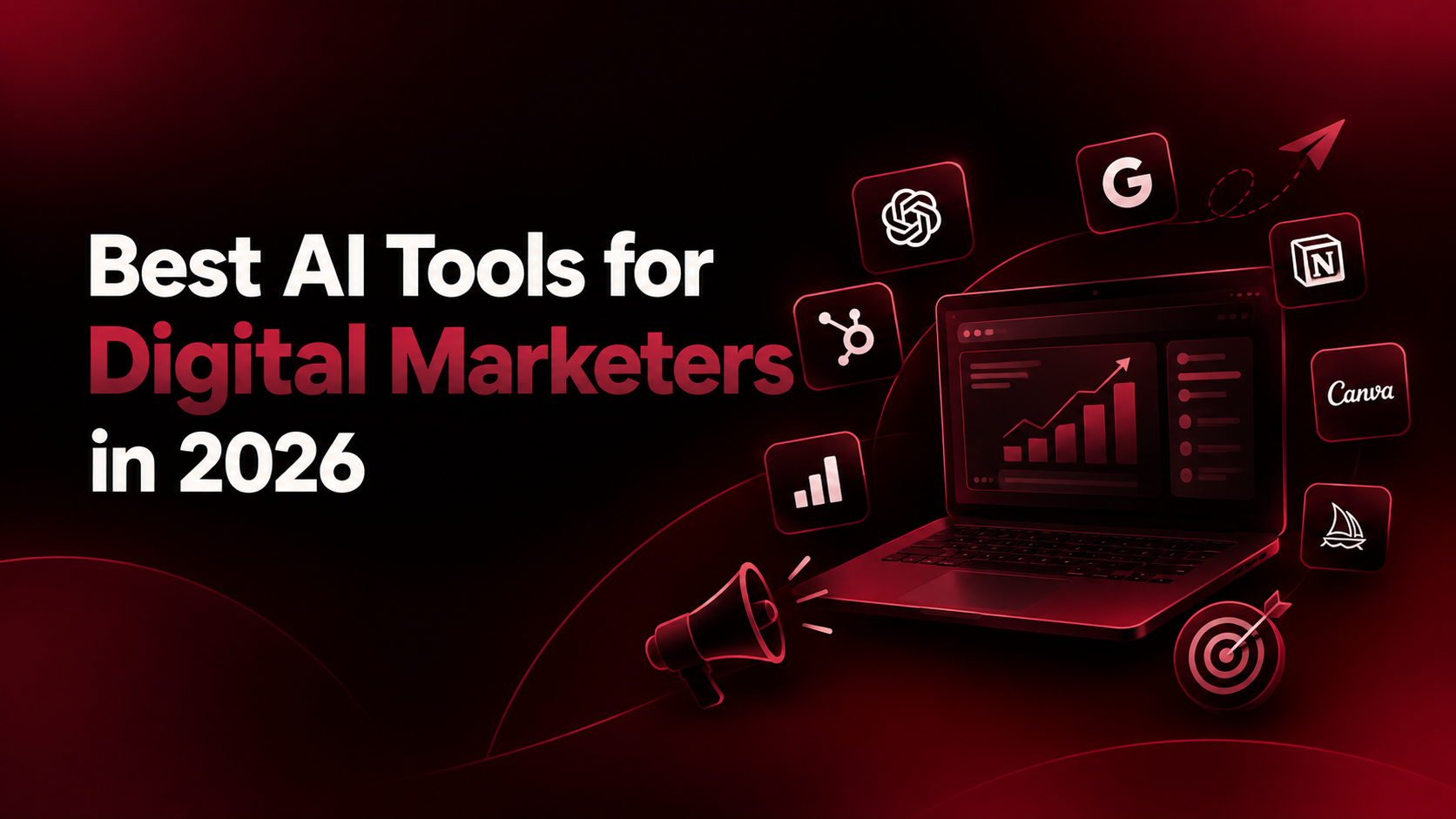
Quick answer: The best AI tools for digital marketing in 2026 are ChatGPT, Claude and Gemini for strategy and copy, Perplexity for research, Surfer SEO and Semrush’s Content Shake for SEO, Canva and Kling for creative, Zapier and Gumloop for automation, and Brand24 for social listening. You don’t need all of them. Pick one tool per marketing job and learn it deeply.
Why Every Digital Marketer Needs an AI Stack in 2026
Ask any marketing community which AI is “the best” and you’ll get ten different answers, all delivered with total confidence. The honest answer is that it depends on the job. A tool that writes great ad copy may be mediocre at keyword research, and a research tool may be useless for video.
AI marketing tools now cover almost every part of the funnel, from finding topics and writing drafts to producing creatives, automating follow-ups and reporting results. The marketers pulling ahead are not the ones with the longest tool list. They are the ones who match the right tool to the right job and keep their own judgment in charge.
This guide is organized by job so you can build a stack instead of collecting logos.
AI Tools for Digital Marketing at a Glance
Job 1: Strategy, Copy and Ideation
ChatGPT: The Flexible All-Rounder
Many marketers use ChatGPT for the bulk of their day: campaign ideas, email sequences, ad variations, content outlines and brand-voice rewrites. Its biggest advantage is range, plus custom GPTs and projects that let you save brand context. Best for: daily ideation and first drafts.
How to choose between ChatGPT, Claude, and Gemini:
ChatGPT is your everyday conversational Swiss Army knife, best for fast social copy hooks, rapid multi-angle ad testing, and building custom GPTs loaded with your tone of voice.
Claude is your strategic analyst - its massive context window excels at reviewing 50-page brand guidelines, parsing large customer survey CSVs, and generating structured, coherent long-form articles.
Gemini is your real-time research engine, best if you live in Google Workspace, need to pull insights directly from Google Sheets or Docs, or want native multimodal analysis of live web assets.
Claude: Long Documents and Structured Thinking
Claude handles long inputs well, which suits work like analyzing a full brand guide, a pile of customer reviews or a content audit. Many marketers set it up with saved instructions and connect it to their own tools so it knows how they work.Best for: strategy docs, content audits and analysis of large inputs.
Gemini: Research-Friendly and Integrated

Gemini works well alongside Google’s ecosystem and is popular for SEO research and data tasks. Google also keeps releasing free experimental tools worth watching.Best for: marketers who live in Google Workspace.
Job 2: Research and Competitive Intelligence
Perplexity: Answers With Sources
The core problem with AI research is trust. Perplexity returns synthesized answers with citations, so you can click through and verify. Use it for competitor scans, trend research and “what are customers saying about X” questions. Best for: fast, checkable market research.
Job 3: SEO and Content Optimization
Surfer SEO: Write for What Already Ranks

Surfer analyzes top-ranking pages and scores your draft on keywords, structure and length, so you optimize against real search results instead of guessing.Best for: on-page optimization.
Surfer SEO vs. ContentShake AI:
- Choose Surfer SEO if you already have written copy or an in-house writing team and simply need an empirical, data-driven score based on what is currently ranking on Google Page 1.
- Choose ContentShake AI if you run a lean team and need Semrush’s keyword engine to write the initial blog draft from scratch inside a guided editor.
ContentShake AI: Keyword Data Plus Drafting
ContentShake pairs Semrush data with AI writing to suggest topics, build outlines and draft posts. It can also match a brand voice from your writing samples.Best for: SEO-focused blog workflows.
From Using AI Tools to Building With Them
Here is a shift worth noticing. As these tools get easier, marketing roles are blending with product thinking. Marketers who once handed requirements to a dev team now prototype landing pages, test onboarding flows and use data to decide what gets built next. That is product management territory, and generative AI is the common thread.
If that direction interests you, the PM + Generative AI program from Masai School and BITS Pilani (BITSoM) teaches product management and generative AI together. It’s a good fit if you want to move from using AI tools to shaping the products and growth strategies built around them. Now, back to the stack.
Job 4: Creative, Design and Video
Canva: Fast Static Creative
Canva’s AI features make social graphics, presentations and ad variations quick to produce, even without a design background.
Best for: social posts and static ads.
Kling AI: Short-Form AI Video
Many AI video ads follow a simple chain: write the script in a chat model, generate clips in Kling, add a voiceover with a text-to-speech tool, then polish. Use your chat model to write the video prompts too.
Best for: video ads and short-form content.
ElevenLabs: Voiceovers
Text-to-speech has become good enough for explainers, ads and localized versions of the same video.
Best for: voiceover at scale.
Job 5: Automation and Workflows
Zapier: The Connector
Zapier links thousands of apps with no code, so a form fill can trigger a CRM entry, a Slack alert and an email in one chain. Best for: repetitive multi-app tasks.
Gumloop: Automation With an AI Layer
Gumloop lets you plug AI models into workflows, such as scraping competitor pages, summarizing them and dropping the result into a sheet, without writing code. Best for: AI-powered workflows and monitoring.
Job 6: Insights and Social Listening
Brand24: Know What People Say
Brand24 tracks brand mentions across news, social and forums, then applies sentiment analysis so you can respond to problems early.
Best for: reputation and trend monitoring.
Fullstory: See How Visitors Behave
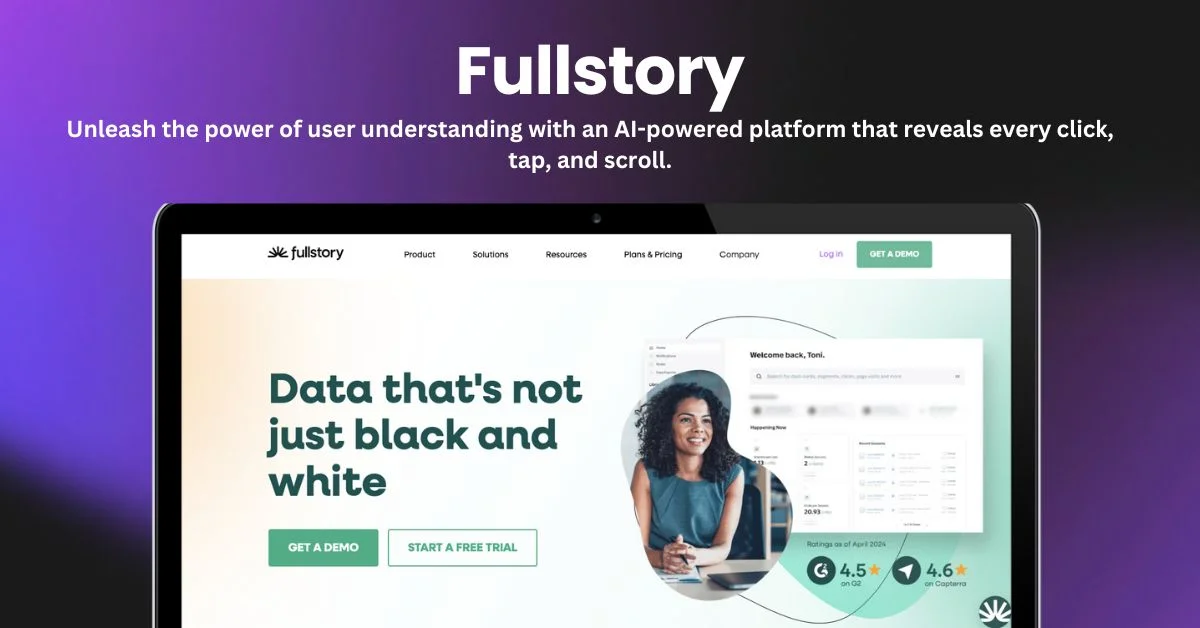
Fullstory analyzes visitor journeys so you can spot friction before it costs conversions.
Best for: website and funnel optimization.
How to Use AI in Marketing Without Getting Burned
Every AI model can produce wrong information at some point. These habits protect you.
Use a Four-Part Prompt
Strong prompts usually include:
- Context: who you are and who the audience is
- Task: exactly what you want done
- Input data: the facts the model should use
- Output format and constraints: length, tone, structure
Verify Before You Publish
- Check every statistic, date and claim against a source.
- Treat AI copy as a draft and edit it so it sounds like your brand.
- Be careful with AI-detector tools, since they can flag human writing as AI.
Protect Your Data
Before pasting customer lists or unreleased campaign details into any tool, check how the vendor stores and uses your data.
How to Build Your Stack: A 4-Step Plan
- Pick your biggest time sink. Writing, reporting, research or creative.
- Choose one tool for it. Use it daily for two weeks.
- Measure the result. Track hours saved or performance gained.
- Add the next tool only then. Keep what works, drop the rest.
A sensible starter stack: ChatGPT or Claude for writing, Perplexity for research, Surfer SEO for content, Canva for creative and Zapier for automation.
Final Takeaway
AI won’t replace digital marketers, but marketers who use it well will outpace those who don’t. The goal is not to use every tool. It is to pick a few, learn them deeply and keep your strategy, taste and judgment at the center