
I Used the Best OCR Tools. Here's What I Found


Optical character recognition (OCR) technology is widely used nowadays for various purposes across industries. Primarily, it is used for digitizing documents and directly copying text from images.
Industries that require extensive digitization of records and archives rely on OCR software such as Adobe's. Paid software is usually expensive; it is not suitable for small businesses and day-to-day lighter conversions.
I read somewhere online about alternatives to OCR software. A post I read on Reddit mentions that there are many web-based OCR tools that effortlessly do the job with high accuracy.
What Are Online OCR Tools?
Online OCR tools are web-based utilities you can use in any browser on desktop and smartphone devices. You just open the tool, upload images that you want to digitize, or copy text from. The tool gives you results in seconds that you can download as digital files or copy the extracted text to the clipboard.
Many of the OCR tools are available for free online. You just open the tool and start using it without any sign-up or registration process. Also, there are some paid tools available that offer some extra benefits.
But when I conducted research on online OCR tools, I found various options that deliver the same quality of results and features for free. And I am here to introduce you to them.
Best Online OCR Tools - Free, Fast, & Accurate
Before I get you into the best OCR tools, let me be clear: it is not a paid promotion. I used various online tools, and these are the ones I shortlisted after trying them myself. The criteria I used to shortlist them are free usage limits, speed, and accuracy in converting images to text.
Imagetotext.me
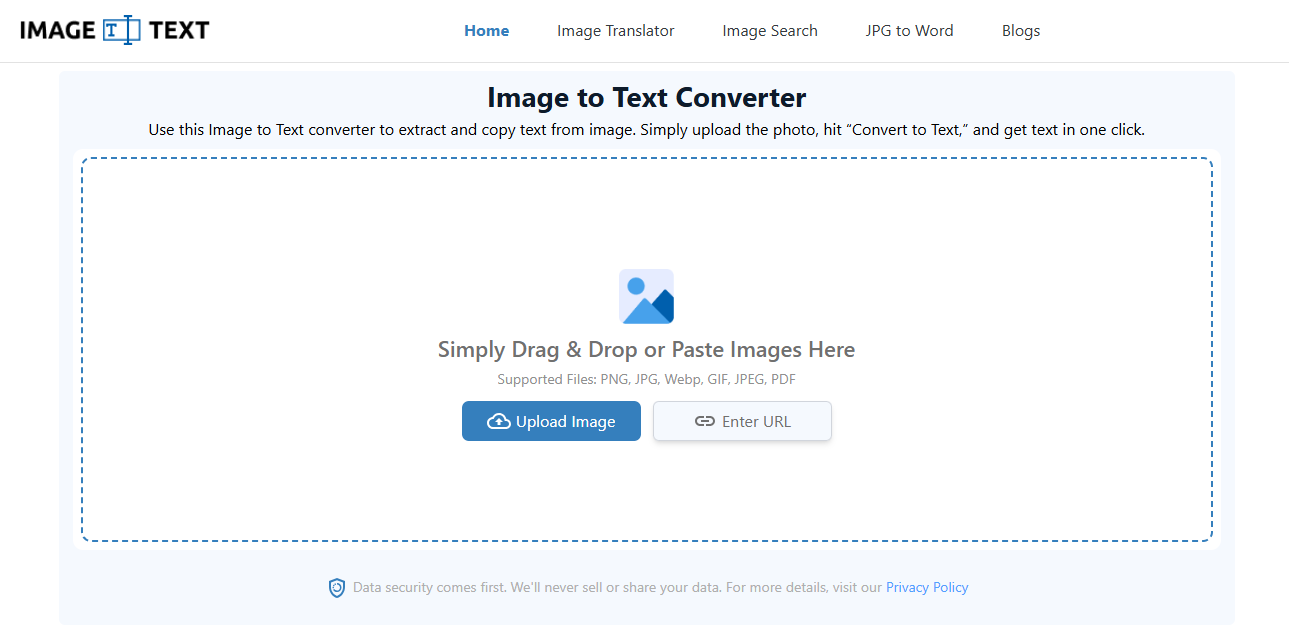
When I searched for online OCR tools, I found Imagetoext.me among the top resutls. And to be honest, the quality of results it delivers is quite surprising. Here I am listing some notable things that I noticed about this tool upon my first visit:
- Completely free to use
- Accepts multiple inputs
- Accepts URLs of the images available online
- Support modern image file types
- Processes PDFs as well
- Can convert images into text in bulk
- Understand and process handwriting and mathematical syntax
The tool is very easy to use. To convert an image into text, the process goes like this:
- Upload images > Click Convert > Download or Copy results
Another worthy feature of imagetotext.me is the ability to download the converted text as PDF, DOCX, or TXT.
There are no watermarks, and you get unlimited access. Even the tool that ranks in the top position on Google offers only a few free trials, and the quality of its results is much like imagetotext.me. This is one of the key reasons I put this image to text conversion utility at the top.
OCROnline.io
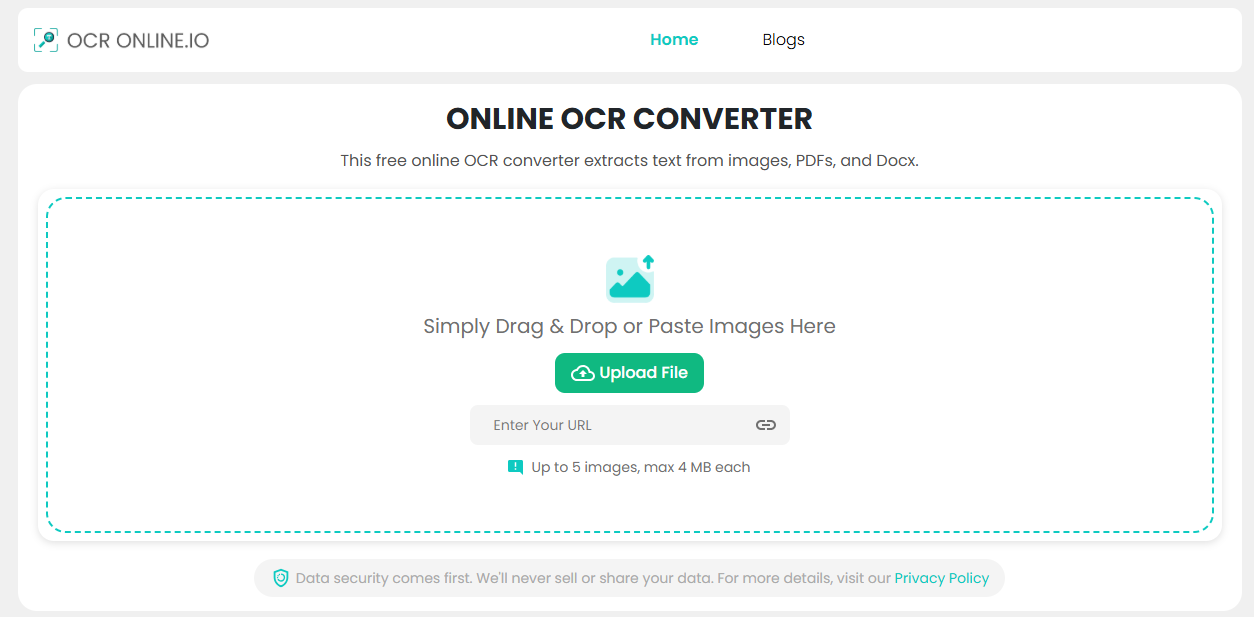
Another tool that I used was OCROnline.io. It is a simple web-based OCR tool focused on fast, accurate text extraction.
I tested it with printed documents, screenshots, and scanned images. The tool handled all of them well and extracted the text with very few mistakes.
Here are some things I liked about this tool:
- Free to use
- Clean and simple interface
- Can convert 5 images at a time
- Supports common image formats
- Can extract text from scanned documents
- Works on desktop and mobile browsers
- Fast processing speed
- Lets you copy and download the extracted text easily
During my testing, the tool produced clean results from high-quality images. It also extracted text from blurry parts inside images better than many other free OCR tools I tried.
Image to Text by IPLocation.io
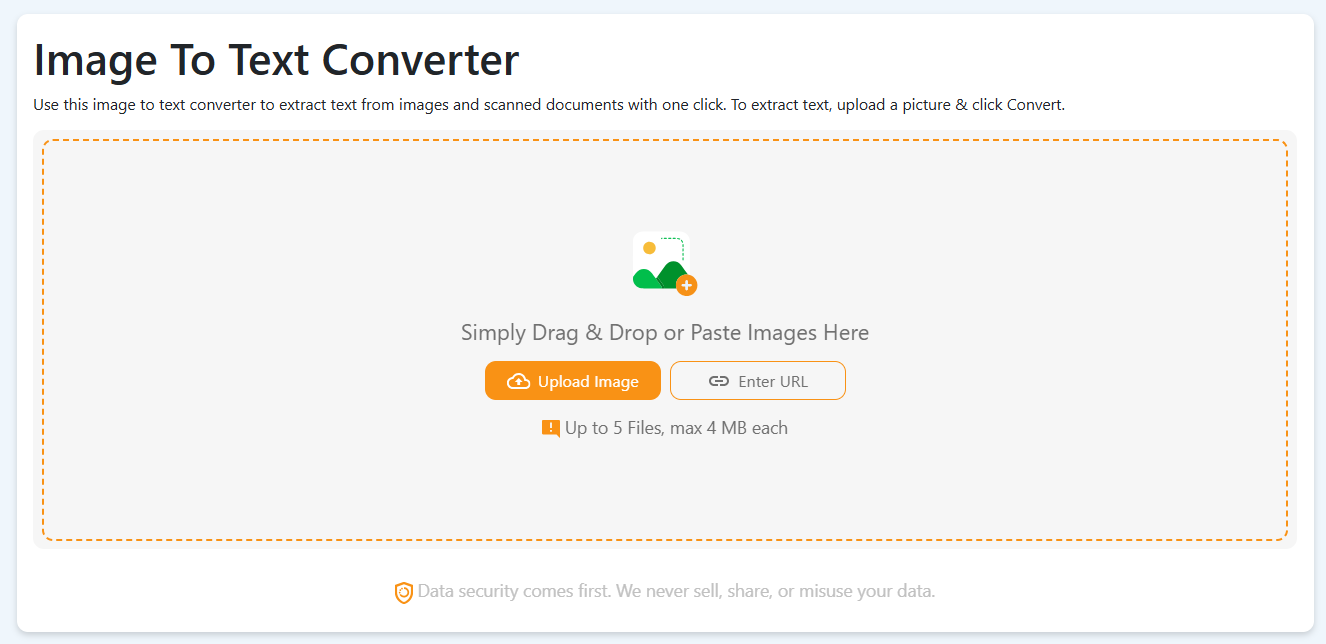
IPLocation.io is a popular platform that is known for offering web utilities related to IP & Networking. Over the past few years, the platform has introduced various productivity tools, including a free OCR tool.
I decided to give it a try to see how well it performs. The tool has a clean interface and is very easy to use, just like the two I mentioned earlier. I tested it with scanned documents and screenshots, and it extracted the text with good accuracy.
Here are some notable features of this tool:
- Free to use, with bulk conversion supported
- Simple and beginner-friendly interface
- Supports common image formats, including PDF
- Can extract text from scanned documents and handwritten pages
- Fast image processing with multiple download options, with no watermark
Imagetotext.io
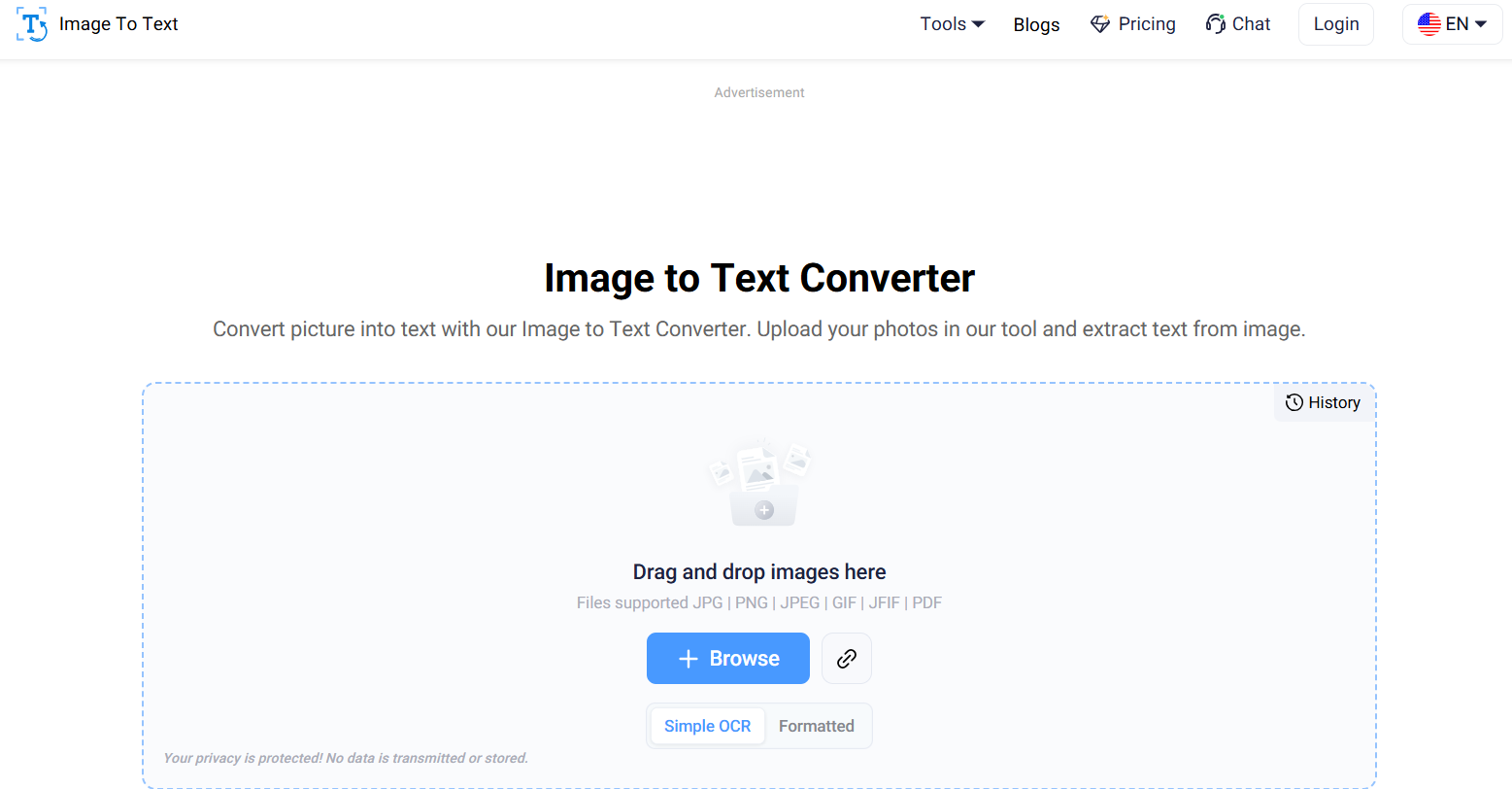
Imagetotext.io was one of the very first OCR tools that I started using. It follows a quick approach to extract editable text from images. I also tried it with scanned documents, screenshots, invoices, and a few handwritten notes. The results were accurate with no spelling mistakes.
While testing it with a range of inputs, I found that Imagetotext.io is also capable of extracting special characters, symbols, or even mathematical equations from images and scanned documents.
Here are a few noticeable things that I like about this OCR tool.
- Free users can upload 5 images at once for extraction
- Accepts images in different formats such as JPG, PNG, JPEG, and others
- Supports a range of languages
- No sign-up required
- Editable output results along with the options to copy and download
ImageToTextOCR.com
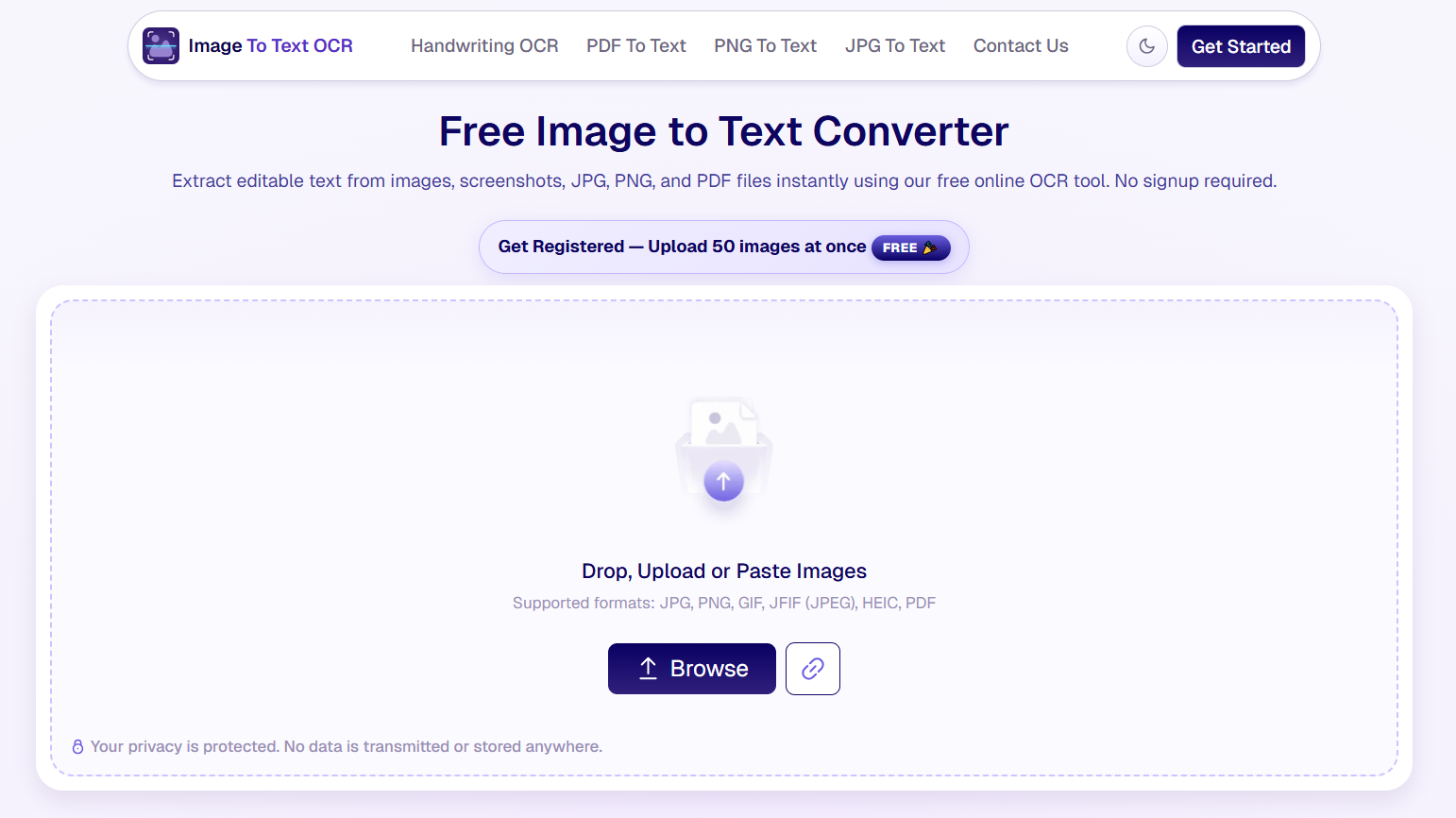
ImageToTextOCR.com was another free OCR tool I came across, and its AI-powered extraction quickly made it one of my go-to picks. I ran it against blurry photos, low-resolution scans, old pages, and a few samples of messy handwriting, and it handled all of them noticeably better than some of the other free tools I tried.
I also tested it with screenshots and PDFs, and the best part is that the extracted text came out clean and properly formatted. With this free image to text converter, I do not have to manually edit and fix the text.
Here are a few things I liked about this OCR tool:
- AI-powered engine that reads text from any image accurately.
- Supports multiple image formats including PNG, JPEG, JPG, PDF, and HEIC.
- No sign-up or account required for free usage.
- Quick and efficient processing in just seconds.
- Option to copy the extracted text or download it directly.
- Works seamlessly across desktop and mobile browsers.
Image to Text OCR is a very user-friendly tool that anyone can use to extract text from an image. Here’s how: Upload the image > Let the AI process it > Copy or download the text.
This free converter is a solid pick if you're dealing with any type of image, including old document photos, blurry images, handwritten notes, and others.
Image to Text by TextToPDF.net
Image to Text by Texttopdf.net tool also offers a tool for extracting editable text from images through OCR. It fits well when you have screenshots, photographed documents, notes, or other image files and want to copy the visible text without typing it manually.
The workflow is straightforward. You upload the image, let the OCR process the visible content, and then review the extracted text before using it elsewhere.
Here are a few useful things about this tool:
* Extracts editable text from uploaded images
* Useful for screenshots and photographed documents
* Uses OCR to read visible text from the image
* Gives you text that you can review and reuse
This makes it a practical option when the information you need is trapped inside an image rather than available as selectable text.
When Are Online OCR Tools Helpful?
Online OCR tools are useful in many everyday situations. Instead of typing text by hand, you can upload an image and get editable text in just a few seconds.
Here are some common situations where these tools are helpful:
- Copying text from screenshots
- Digitizing printed documents
- Extracting text from scanned PDFs
- Saving notes from handwritten pages
- Reusing text from old books or records
- Converting invoices, bills, and receipts into editable text
Conclusion
There are many online OCR tools, but not all of them give good results. The three web-based OCR tools I shared above worked well in my experience. They are free, easy to use, and give accurate results. You can try any of them and pick the one that best fits your needs.