
10 Best AI Tools for Creating Course Videos in Multiple Languages (2027)

If you already have recorded lectures and want them in Hindi, Urdu, Telugu, Spanish or Arabic without re-recording, VideoDubber is the best place to start: it dubs your existing video into 150+ languages in your own cloned voice, with lip sync and a line-by-line editor. If you would rather build new lessons from a script with an AI presenter, HeyGen and Synthesia are the stronger choices.
Making a course video in multiple languages used to mean hiring translators, voice artists and an editor for every language. The need is large: UNESCO estimates that 40% of people worldwide lack access to education in a language they speak and understand fluently. AI tools now handle transcription, translation, voice and even lip movement, so a single instructor can publish one lesson in five languages in a day. The tools below take very different approaches, though, and picking the wrong type wastes both money and minutes.
Two ways to make a multilingual course video
Before comparing tools, decide which job you need done, because most tools are built for one of them.
- Translate a video you already recorded. The tool transcribes your lecture, translates the script, re-voices it (ideally in a clone of your voice) and syncs the lips. VideoDubber, Rask AI, ElevenLabs, Kapwing, Murf and Dubverse work this way. This is the right route for an existing course library or for instructors who want their own face on screen. YouTube reports that creators who add dubbed audio tracks get, on average, over 25% of their watch time from views in a language other than the video's original one.
- Generate a new video in each language. You write a script and an AI avatar presents it, and the platform can render the same lesson in other languages. Synthesia and Colossyan are built around this, and HeyGen does both. This suits compliance training and short explainer modules where a stock presenter is fine.
1. VideoDubber: best for dubbing recorded lectures in your own voice
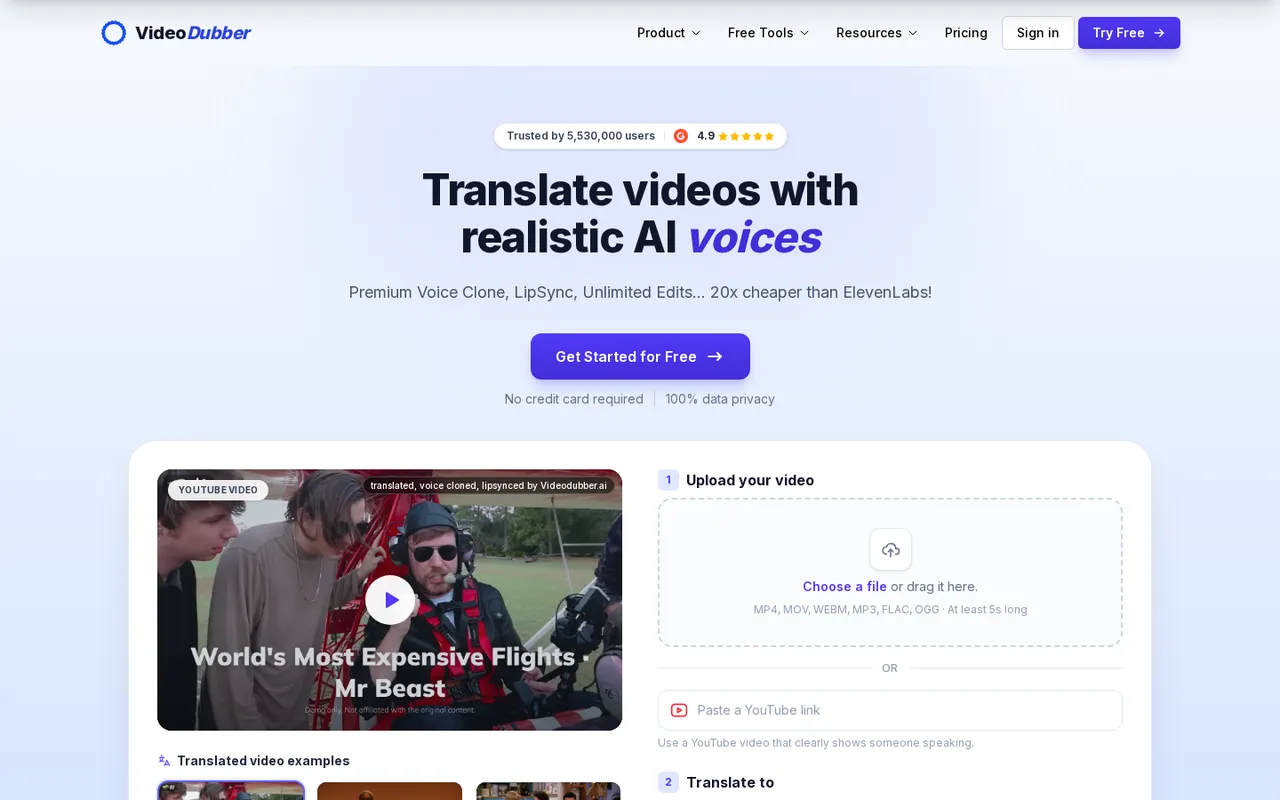
VideoDubber's video translator: upload a file or paste a YouTube link, then pick a language
VideoDubber is an AI video translation tool that takes a finished video, translates the speech and re-voices it in the target language. For course creators, the main draw is that the instructor stays the instructor: the dub uses a clone of your voice, and its lip sync matches mouth movements to the new audio, so students in another language still learn from you rather than from a generic narrator.
What stands out for courses
- 150+ languages, including Hindi, Urdu, Telugu, Tamil, Punjabi, Gujarati and Bengali. If most of your learners are in India, you can translate an English lecture into Hindi with VideoDubber, or turn Hindi, Urdu, Telugu and Tamil lectures into English for students abroad.
- Unlimited edits at no extra cost. You can fix any line of the transcript or translation, adjust timing and re-translate a segment before exporting, which matters for technical terms that machine translation often gets wrong.
- Glossary support keeps course terminology, product names and code keywords consistent across every lesson and language.
- Choice of translation model (GPT, Gemini and DeepSeek are offered), plus custom translation prompts for tone, such as formal for corporate training or casual for YouTube lessons.
- Multi-speaker studio for panel sessions and interviews, with a separate voice per speaker, and an option to keep the background music.
- Exports for every platform: dubbed MP4, MP4 with burned-in or soft subtitles, SRT and VTT caption files, and TXT or DOCX transcripts for course notes.
- An API (translate, dub and lip sync endpoints) for platforms that want to localize videos inside an LMS.
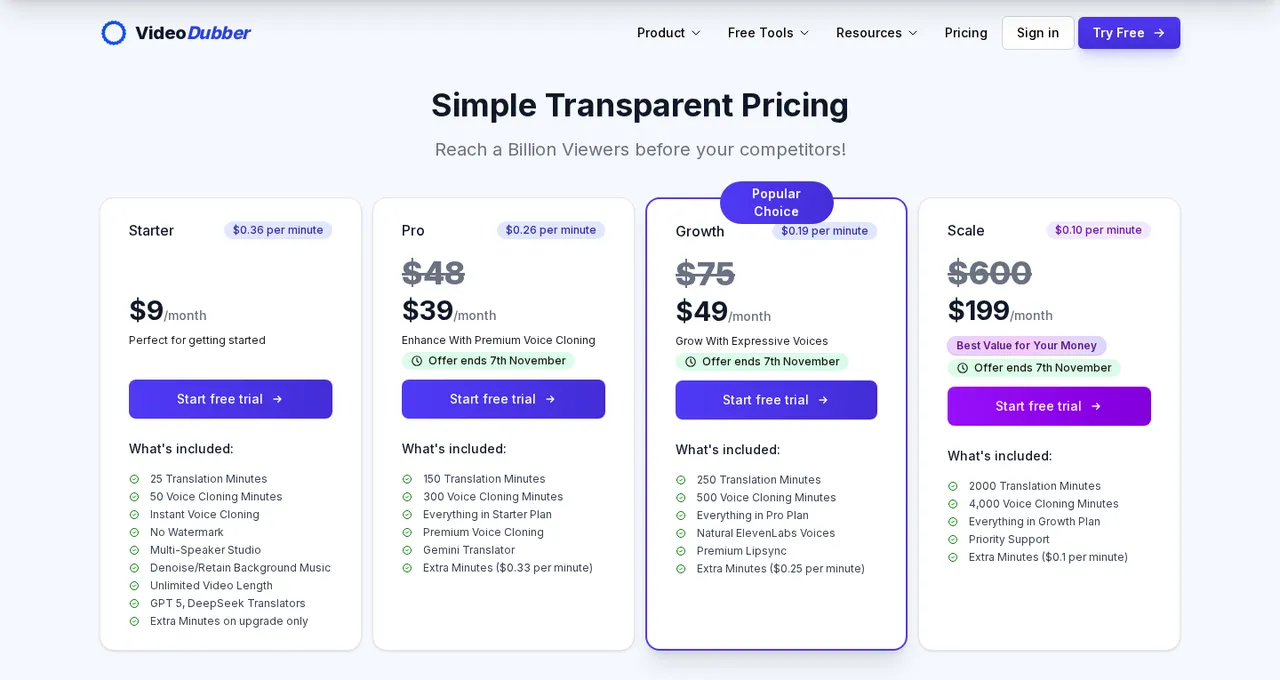
VideoDubber's plans, from $9 a month for Starter to $199 a month for Scale
Pricing
- You can try it with 5 free minutes and no credit card.
- As listed in November 2026, Starter is $9 a month with 25 translation minutes, Pro is $39 with 150 minutes and premium voice cloning, Growth is $49 with 250 minutes, ElevenLabs voices and premium lip sync, and Scale is $199 with 2,000 minutes.
- Unused minutes do not expire; they carry over to the next cycle.
- There is no watermark on any paid plan, and video length is unlimited.
Downsides
- Premium lip sync and the most natural voice options start on the Growth plan, and Starter users cannot buy extra minute packs without upgrading.
- It does not generate avatar presenters, so if you have no recorded footage yet, you will need a separate tool to create it.
Verdict
Choose it if you have a library of recorded lectures, tutorials or webinars and want them in several languages in your own voice, at the lowest cost per minute on this list.
2. HeyGen: best for avatar-led lessons that also need translation
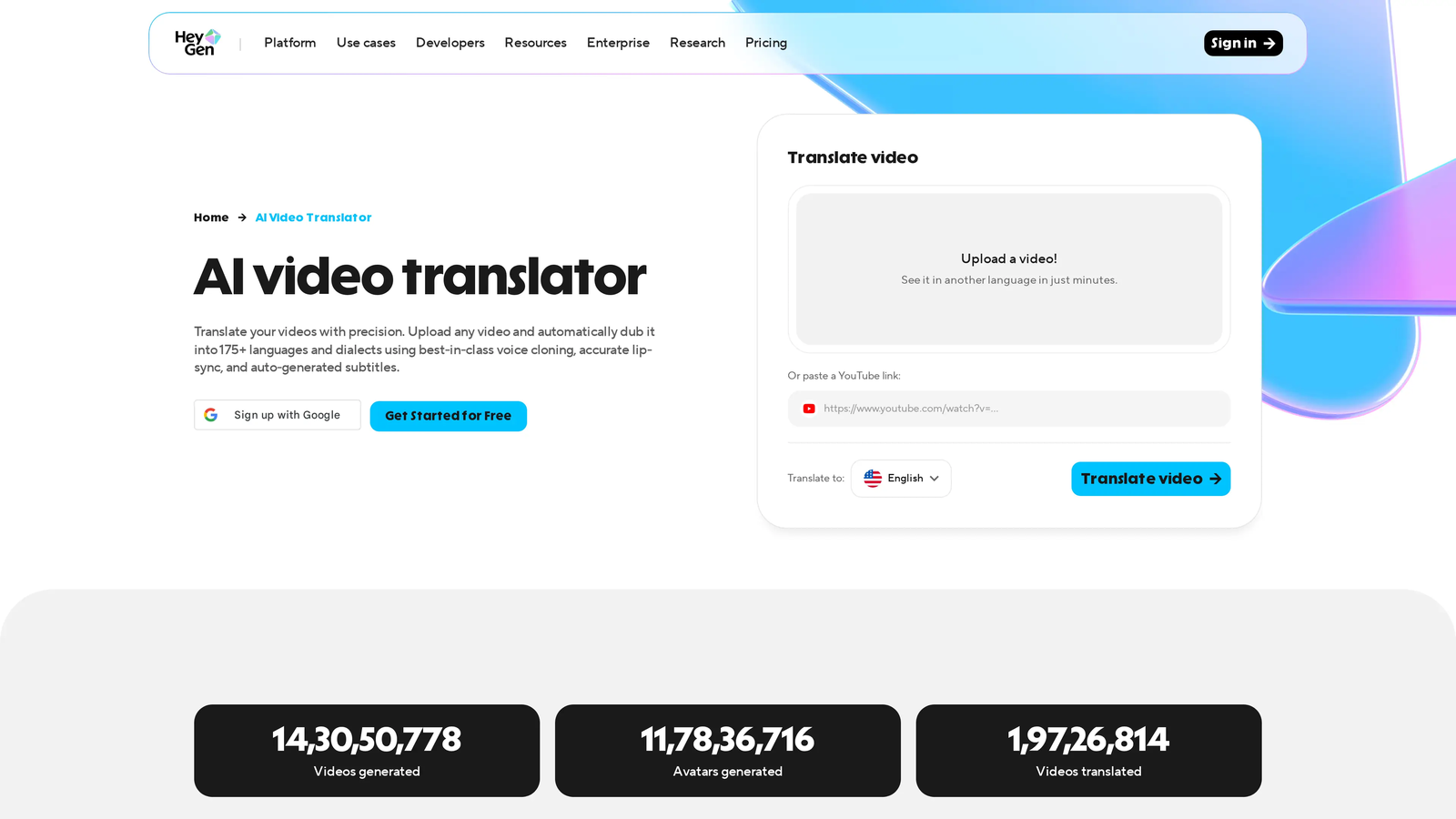
HeyGen's AI video translator takes an uploaded video or a YouTube link
HeyGen is an AI video platform that creates videos from a script with AI avatars, and it also translates uploaded videos or YouTube links. It is the most flexible pick if you want both: new avatar lessons and translations of existing ones.
Standout features
- Its translation page lists 175+ languages and dialects with voice cloning and lip sync, and you can translate one video into up to 10 languages at once.
- It offers 500+ stock presenters plus custom and photo avatars of yourself.
- The Pro plan adds a step to edit and proofread the translated script before rendering.
Pricing
- The free plan gives 3 watermarked videos a month (the pricing page caps them at 1 minute, the translate page says 3 minutes) and 30+ languages.
- Creator is $29 a month ($24 billed annually) with 600 credits and 30-minute videos, Pro is $49 a month with 1,000 credits and script proofreading, and Business is $149 a month plus $20 per seat.
Downsides
- The free plan does not get the full language list, and editing the translated script, which you will want for technical courses, needs Pro.
- Pricing is credit-based, so check how many minutes your plan covers before translating a long course.
Verdict
Choose it if you want a talking avatar for some lessons and translated versions of your real recordings for others.
3. Rask AI: best for long lectures and multi-speaker videos
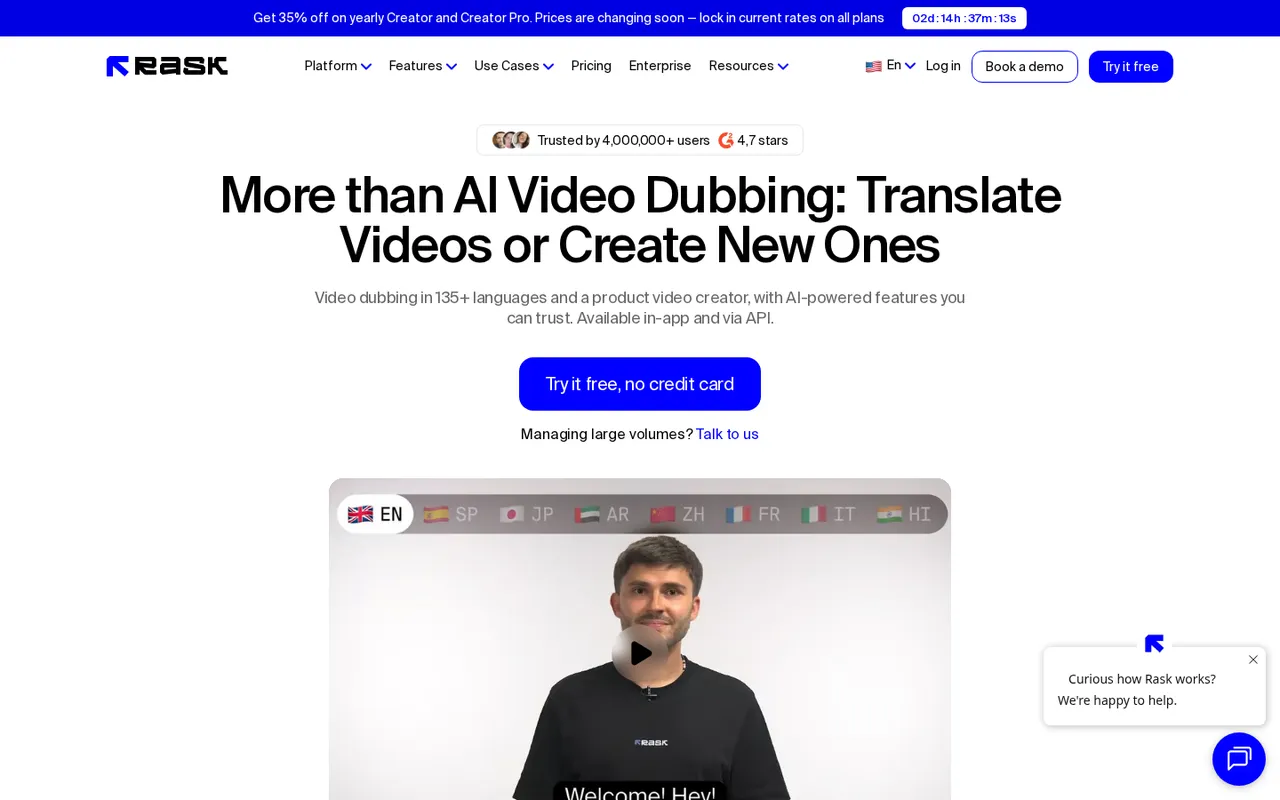
Rask AI dubs and translates videos in 135+ languages
Rask AI is an AI dubbing and localization platform. It accepts uploads of up to 5 hours, which makes it practical for full-length university lectures, recorded workshops and long webinars.
Standout features
- Rask lists 135+ languages for translation and dubbing and voice cloning in 57 languages.
- Each speaker in a multi-speaker video keeps their own voice, and lip sync works across speakers.
- A line-by-line editor lets you re-dub only the lines you changed, and a terminology dictionary keeps terms consistent.
- Subtitles can be burned in or exported, and you can upload your own SRT.
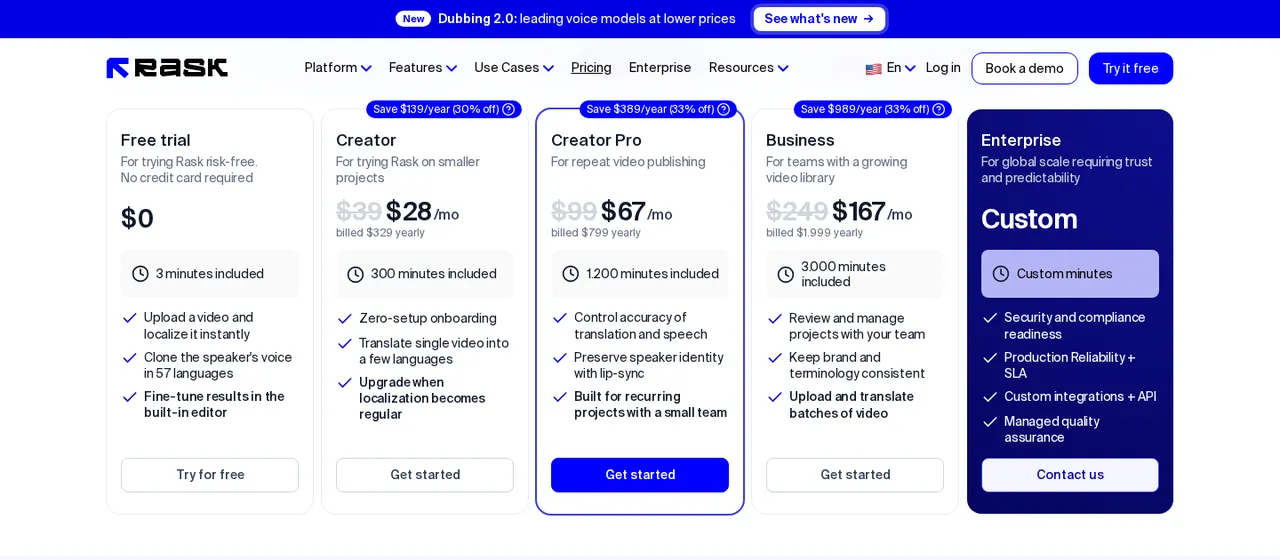
Rask AI's plans, shown with annual billing
Pricing
- A free trial gives 3 dubbing minutes with no card.
- Creator is $39 a month ($28 a month billed yearly) for 25 minutes, Creator Pro is $99 ($67 yearly) for 100 minutes, and Business is $249 ($167 yearly) for 250 minutes.
- Extra minutes cost $3 each on Creator Pro and Business.
Downsides
- Enhanced lip sync uses 3 minutes of credit per minute of video, and translating on-screen text also costs 3 minutes per video minute and is limited to Business and Enterprise.
- Unused minutes roll over only on annual plans.
- Hindi is the only Indian language its site names.
Verdict
Choose it if your lessons run long or feature several speakers and you need fine control over the translated script.
4. ElevenLabs Dubbing: best for natural voices in Indian languages
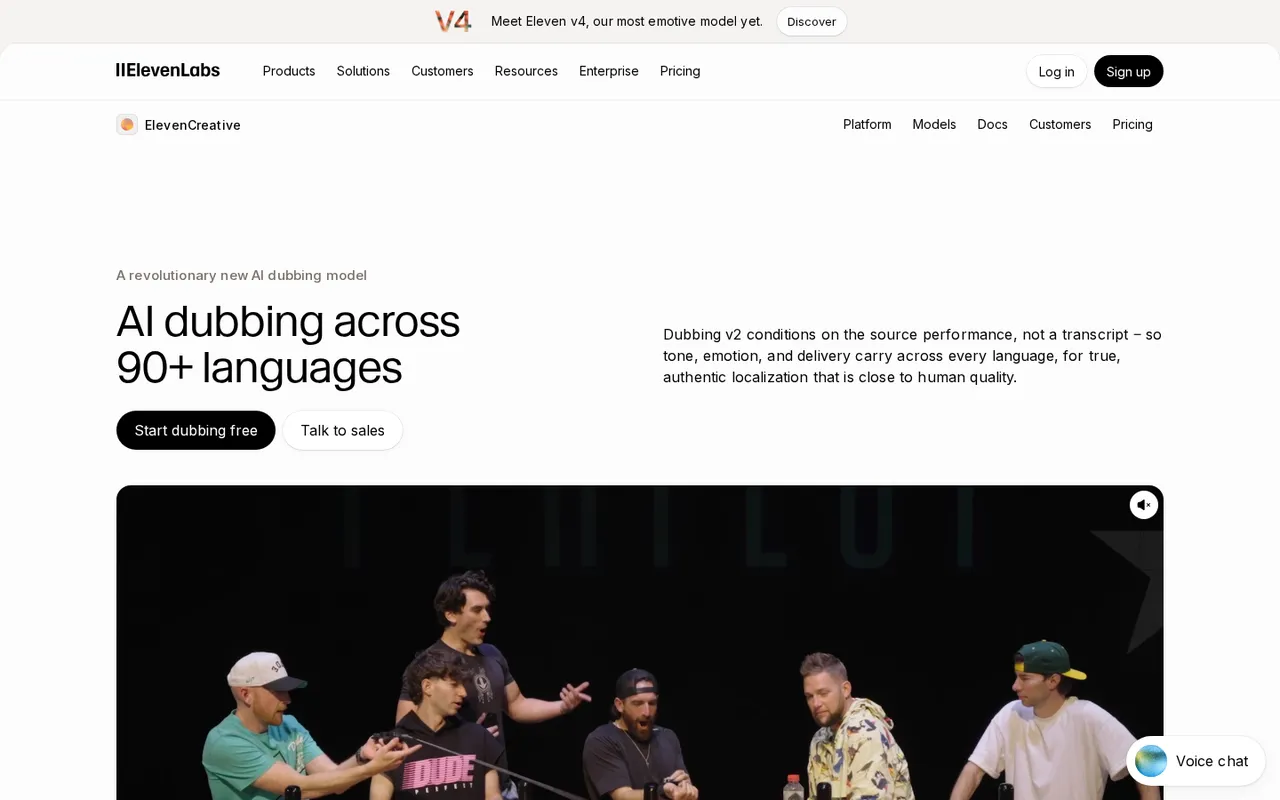
ElevenLabs Dubbing localizes video and audio across 90+ languages
ElevenLabs is best known for AI voices, and its Dubbing tool translates audio and video while keeping each speaker's voice and delivery. For Indian course creators, its documented language list is the main reason to look at it.
Standout features
- It supports 90+ languages.
- Its documentation names Assamese, Dogri, Gujarati, Hindi, Kannada, Malayalam, Marathi, Punjabi, Sindhi, Tamil, Telugu and Urdu for the current dubbing model, with Bengali and Odia on the older one.
- It detects up to 32 speakers, including overlapping speech, and lets you edit the transcript and translation and regenerate single segments.
- Videos of up to 180 minutes are accepted in the app.
Pricing
- The free plan has 10,000 credits a month, but dubs made on it carry a watermark that cannot be removed.
- Automatic dubbing costs 3,000 credits per minute without a watermark.
- Paid plans start at $6 a month (Starter, 30,000 credits) and $22 a month (Creator, 121,000 credits), with Pro at $99.
Downsides
- Lip sync is not part of ElevenLabs Dubbing, so on-camera lessons will show a mismatch between lips and audio.
- Its docs describe the dubbed video as a preview rather than a production master, and minutes are hard to estimate because everything is priced in credits.
Verdict
Choose it if your lessons are mostly slides, screen recordings or voice-led, and you need Tamil, Telugu, Marathi or other Indian languages with natural-sounding voices.
5. Synthesia: best for script-to-video corporate training
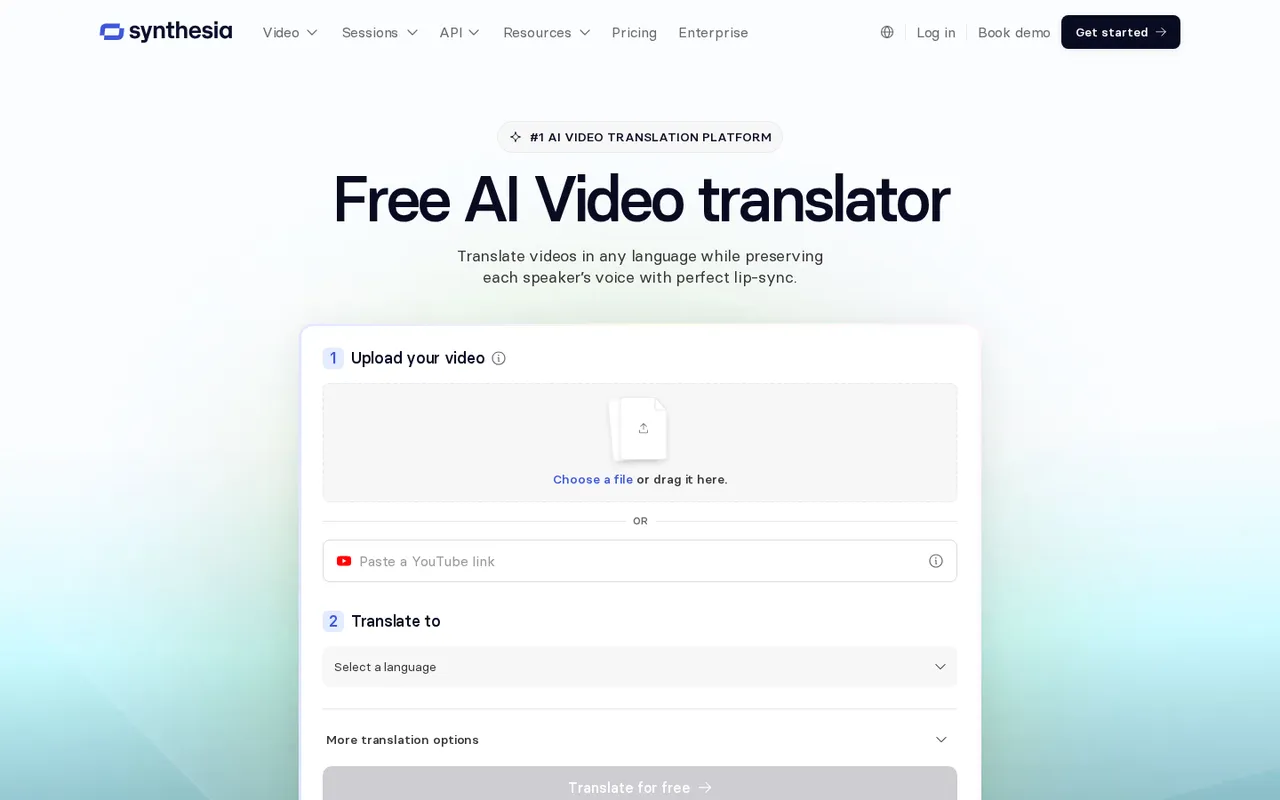
Synthesia's video translator: upload a video and choose a target language
Synthesia is an AI video platform for businesses that turns documents, slides and links into presenter-led videos, and it can also translate and dub uploaded videos.
Standout features
- It lists 140+ languages for translation, hundreds of AI avatars and SRT subtitle downloads for each language.
- You can upload MP4, MOV or WebM files up to 4K, or paste a YouTube link, for dubbing.
Pricing
- The free Basic plan gives 500 credits a month (about 10 minutes of video) with a watermark.
- Starter is $19 a month ($14 a month billed yearly) for about 12 minutes of video, and Pro is $89 a month ($59 yearly) for about 60 minutes of video and up to 78 minutes of dubbing.
- Dubbing uses 40 credits a minute, or 80 with lip sync, and credits do not roll over.
Downsides
- Its pricing table lists voice cloning, lip sync and SCORM export under Enterprise, and dubbing outputs 70+ languages on self-serve plans rather than the full 140+.
- For an instructor who wants their own voice and face in translated lessons, the self-serve plans are limited.
Verdict
Choose it if you build training modules from scripts and slides, and a stock presenter in each language is acceptable.
6. Colossyan: best for interactive training modules with SCORM
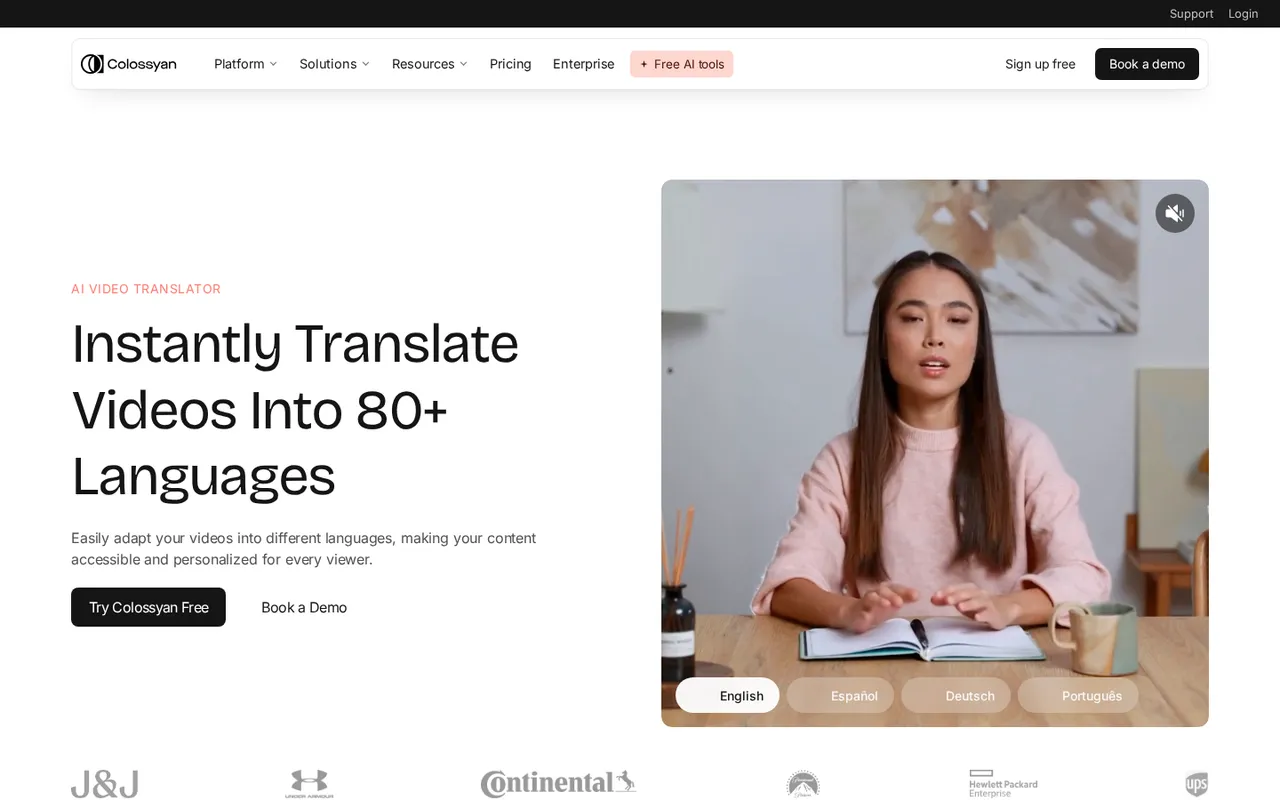
Colossyan's AI video translator for training videos
Colossyan turns documents, presentations and URLs into presenter-led training videos and courses. It is aimed at learning and development teams that publish into an LMS.
Standout features
- On-screen text is translated automatically along with the script, which many dubbing tools skip.
- It offers 300+ stock presenters, voice cloning in 30+ languages, exportable closed captions and SCORM export (5 a month on Professional).
- Its pages give between 80+ and 120+ languages.
Pricing
- The free Starter plan includes 20 minutes of video a month, 15 translations a month and a watermark.
- Professional is $59 a month billed yearly, with 20 translations and 5 SCORM exports a month.
- Enterprise is custom.
Downsides
- Colossyan's own FAQ says uploaded images, audio and video files are not translated: translation works only on content built inside Colossyan, which rules it out for an existing library of recorded lectures.
Verdict
Choose it if you are building new compliance or onboarding courses from scratch and need SCORM files with translated on-screen text.
7. VEED: best for subtitles in 125+ languages
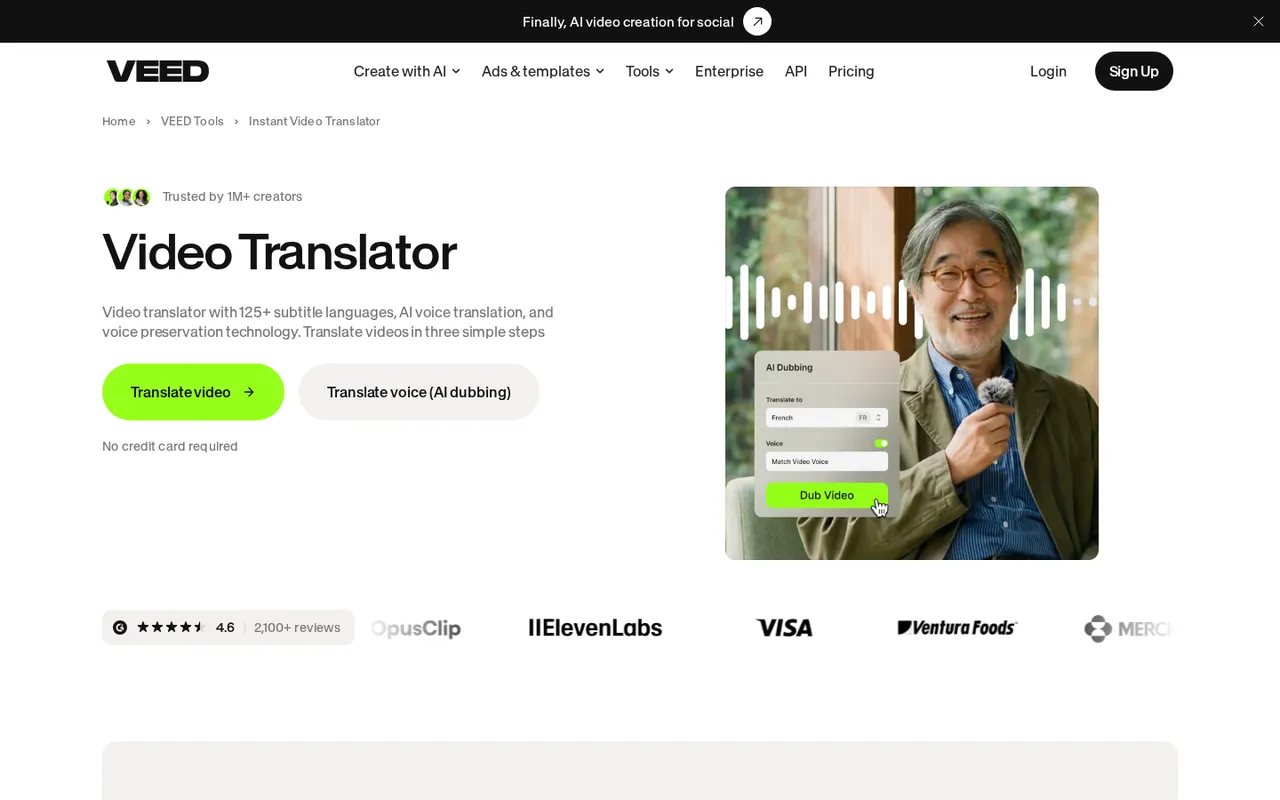
VEED's video translator offers 125+ subtitle languages and AI dubbing
VEED is a browser-based video editor that combines editing, subtitles, translation and AI dubbing. For many courses, translated subtitles are enough, and this is where VEED is strongest.
Standout features
- Auto-generated subtitles can be translated into 125+ languages and exported as SRT, VTT or TXT, or burned into the video.
- AI voice translation with voice preservation covers 29 languages on its translator page, with optional lip sync.
- A custom dictionary helps with technical vocabulary, and you can trim, resize and style captions in the same editor.
Pricing
- There is a free plan, and its videos carry a watermark.
- For buyers in India, VEED showed Creator at Rs 490 a month billed yearly (Rs 999 monthly) and Pro at Rs 1,068 a month billed yearly (Rs 2,180 monthly) in November 2026.
- Pro adds translation into 50+ languages and up to 12 hours of AI voice a month.
Downsides
- Translation minutes count per language, so a 30-minute lesson in three languages uses 90 minutes.
- Dubbing covers far fewer languages than subtitles, and its site does not list which Indian languages it dubs.
Verdict
Choose it if subtitles are your main need and you also want a simple editor for trimming and captioning lessons.
8. Kapwing: best for editing and dubbing in one place on a budget
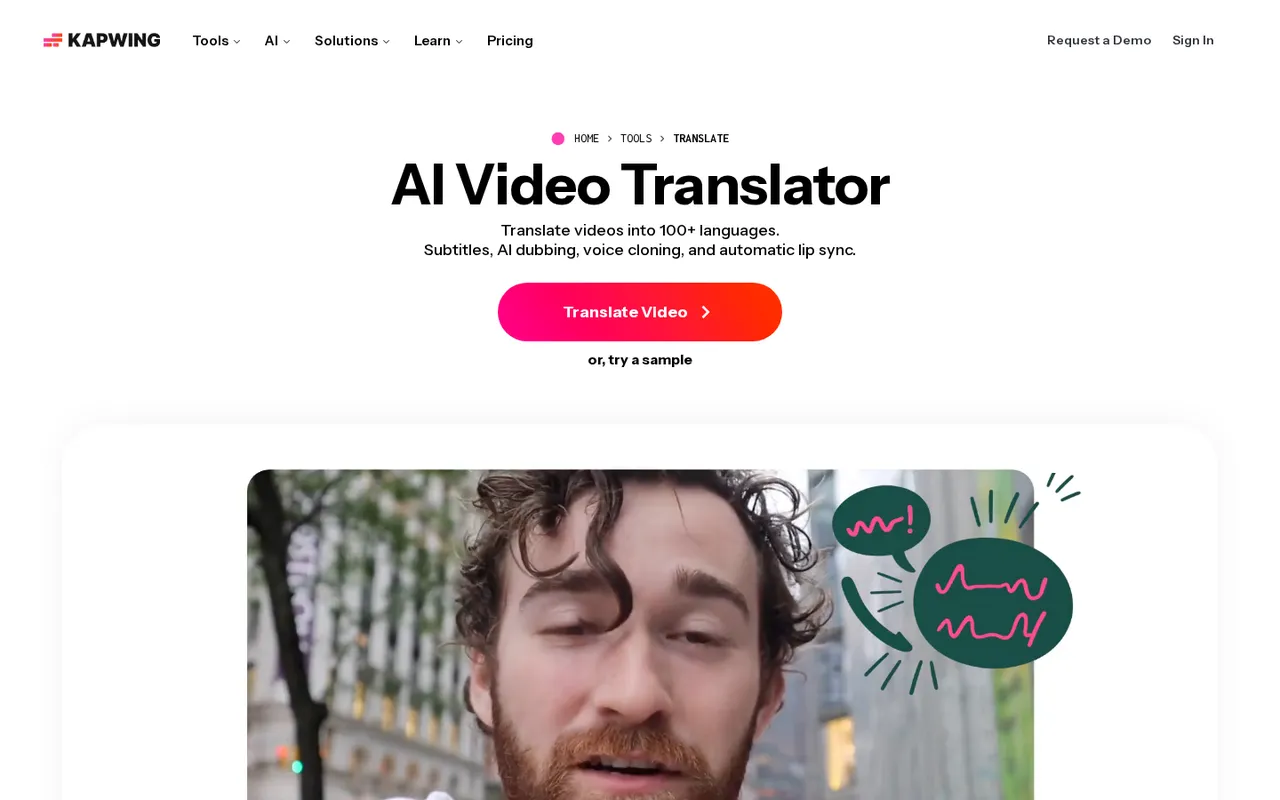
Kapwing's AI video translator with subtitles, dubbing and lip sync
Kapwing is a browser-based video editor with auto subtitles, video translation and AI dubbing built in, useful for creators who edit their own lessons.
Standout features
- Its dubbing FAQ lists 49 languages, including Hindi and Bengali, with 180 voices and an option to clone the original voice.
- It accepts videos of up to 6 hours, and you can adjust pronunciation, speed and the transcript before export.
- Lip sync and custom voice clones are available on Business.
Pricing
- The free plan exports 4-minute, 720p videos with a watermark.
- Pro is $16 a month with up to 50 dubbing minutes and 500 auto-translation minutes a month, and Business is $50 a month with up to 200 dubbing minutes.
Downsides
- Dubbing minutes are capped on each plan, and lip sync needs Business.
- Its site names only a handful of the 49 languages.
Verdict
Choose it if you want one affordable tool to edit, subtitle and dub short lessons.
9. Murf AI: best for voiceovers on slide-based lessons
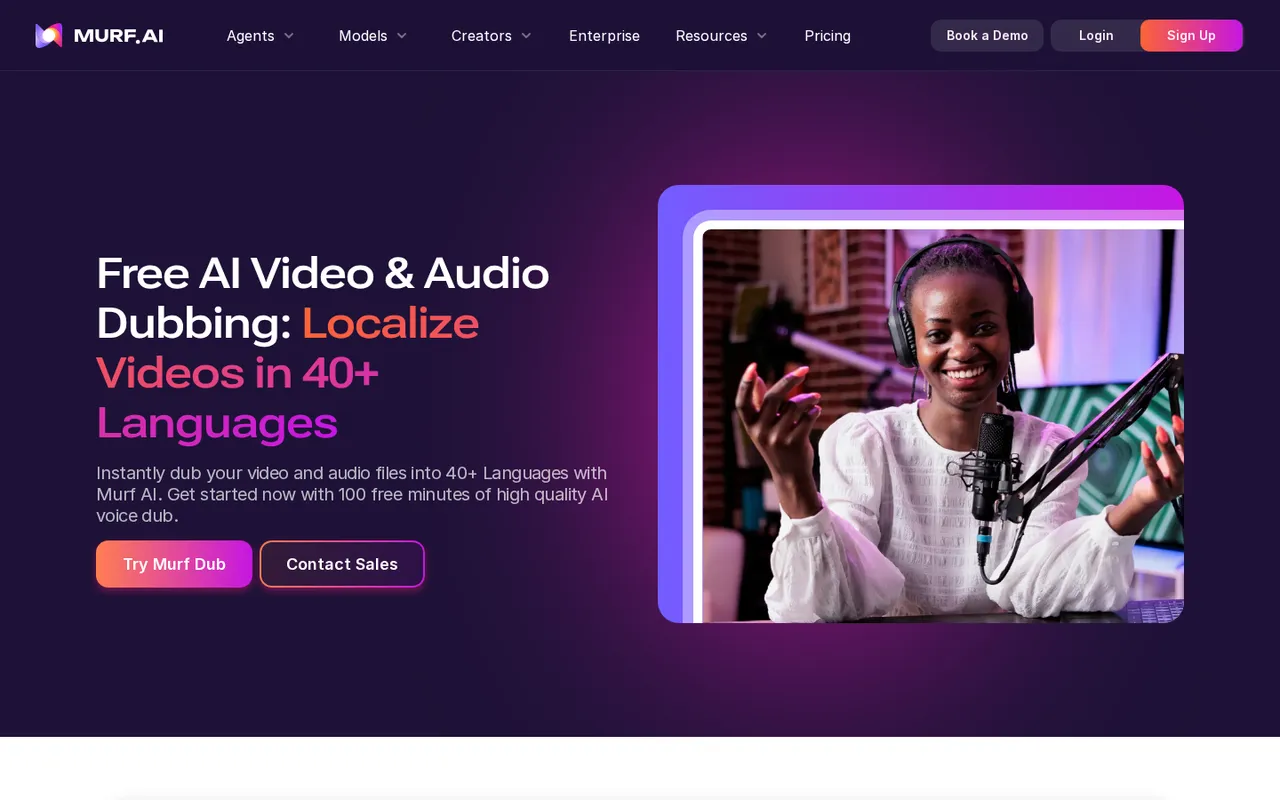
Murf AI Dub localizes video and audio into 40+ languages
Murf is a voice AI platform for studio-quality voiceovers, and it now has a dubbing product for video and audio. It works well for courses built from slides, where the voice matters more than the face.
Standout features
- It offers 200+ voices in 35+ languages, with dedicated dubbing pages for Hindi, Punjabi, Bengali, Malayalam, Tamil, Kannada and Telugu.
- Dubbing can clone the speaker's voice, and translations can be edited without re-recording.
- Business plans include Google Slides and PowerPoint plugins.
Pricing
- Dubbing includes 100 free minutes after sign-up and then runs pay-as-you-go at 2 credits per minute per language.
- Studio plans start at $19 a month (Creator) and $66 a month (Business).
Downsides
- Lip sync is marked "coming soon", so it is not suited to on-camera lectures yet.
- Its pages give different dubbing language counts, from 20+ to 40+, and AI translation inside Studio is included only on Enterprise.
Verdict
Choose it if your lessons are narrated slides and you want polished voiceovers in Indian languages.
10. Dubverse: best for Hinglish and rupee pricing
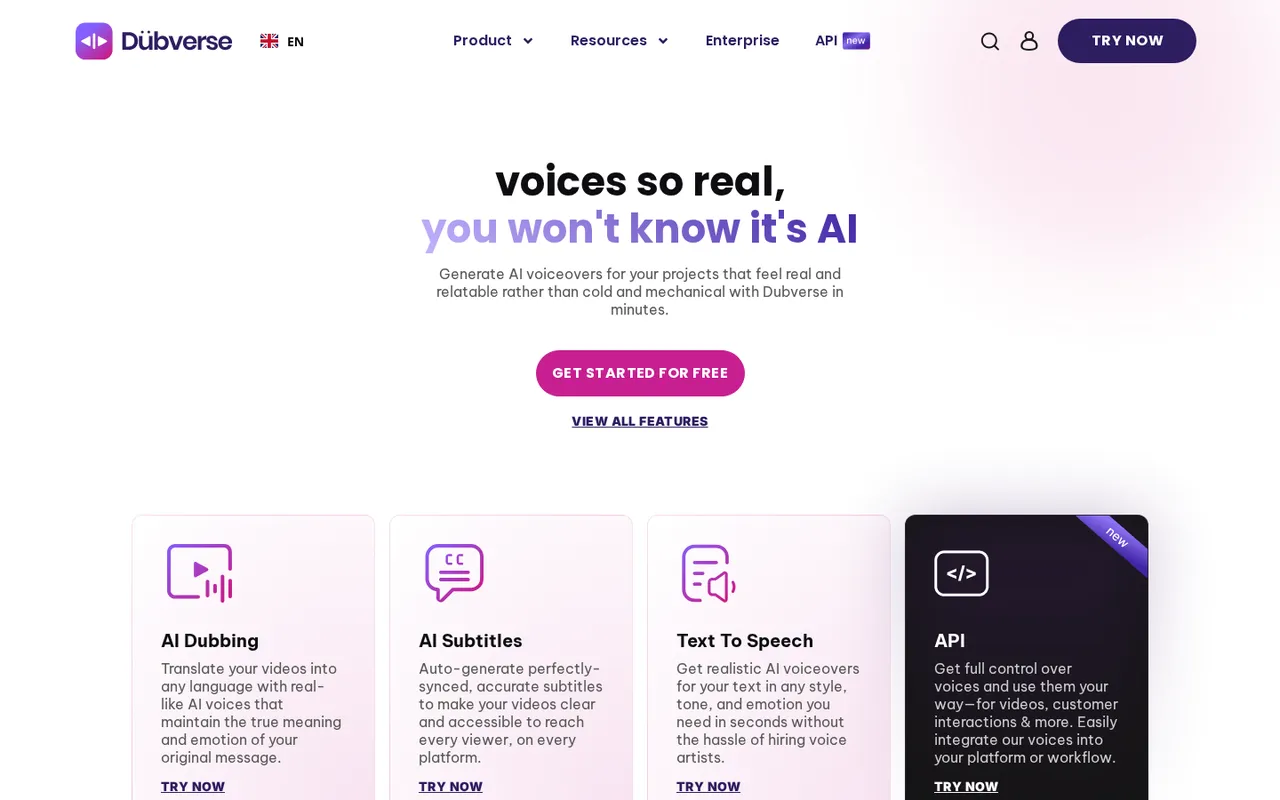
Dubverse offers AI dubbing, AI subtitles and text to speech
Dubverse is an AI video dubbing platform from India that translates videos into other languages with AI voices, and it supports Hinglish, which suits many Indian tech courses.
Standout features
- It offers 200+ voices, custom voice cloning on its Supreme plan and AI subtitles.
- Pricing is shown in rupees as well as dollars.
Pricing
- There is a 2-day free trial with no card.
- Pro is Rs 800 a month (or $9 a month billed yearly) and Supreme is Rs 1,100 a month (or $15 a month billed yearly), each with 50 credits a month.
- Dubbing uses 4 credits a minute, so 50 credits cover about 12 minutes.
- Pro handles videos under 60 minutes and Supreme under 150.
Downsides
- Its site states only "10+ Indian and global languages" without naming them, lip sync is Enterprise-only, and the monthly credit allowance is small for a full course.
Verdict
Choose it if you make short Hinglish or Hindi lessons and want to pay in rupees.
How we chose these tools
We started from what course creators actually need: a lesson that a student in another language can follow, ideally in the instructor's own voice. We looked at the AI tools most often recommended for multilingual course and training videos, then read each tool's own website and pricing page in November 2026 for its language count, voice cloning, lip sync, editing, export options and free-plan limits.
Prices and limits in this article come from those pages; where a tool's own pages disagree, we say so. We did not run paid benchmarks, so try a short sample lesson in each language you need before you commit.
Tools that translate a recorded lecture in the instructor's voice ranked above tools that only generate new avatar videos or subtitles, because they cover the most common need: an existing course that should reach more students.
Also worth a look
Perso AI and Wavel also offer AI dubbing for e-learning, and Fliki and Guidde come up in course-creation roundups for script-to-video and how-to videos. If you already host your course on Kajabi, check its built-in transcription, translation and dubbing features first.
A simple workflow for your first multilingual course
- Pick two or three languages first. Start where your learners already are. For learners in India, start with Hindi, then Telugu or Tamil. The Internet in India 2024 report found that 98% of Indian internet users accessed content in Indic languages, and 57% of urban users prefer it to English. For learners abroad, English versions of Hindi, Urdu and Telugu lessons are a strong start (these are the Indian languages most searched for English translation in the US), with Spanish, Portuguese and Arabic as common next steps.
- Clean up the source video. Clear audio with little background noise gives the best transcription, translation and voice clone.
- Build a glossary. List the terms that must stay in English, such as function names, framework names and product terms, so the tool does not translate "Python" or "React".
- Review the translated script, not just the video. Read the transcript in the editor before export, and ask a native speaker to check one lesson per language.
- Translate the visuals. Most dubbing tools do not change text on slides, so update slide text or add translated subtitles where on-screen text matters.
- Publish with subtitles too. Export SRT or VTT files alongside the dubbed video so students can switch between audio and captions. More than 100 studies show captions improve comprehension of, attention to and memory for video, especially for people watching in a non-native language.
For a recorded course, the quickest start is to dub one lesson with a free trial, show it to a few students who speak that language, and only then translate the rest of the library. If you sell courses, language affects sales too: a CSA Research survey of 8,709 consumers found 76% prefer to buy products with information in their own language.