
Top AI Video Generators for Different Creative Workflows: VEME vs. VideoAI


AI video creation has moved beyond the “type a prompt and hope for the best” stage. Modern tools can generate videos from text or images, animate still visuals, extend clips, add audio, and let creators work with different generation models. According to Wyzowl’s latest video marketing research, 91% of businesses use video as a marketing tool, showing how deeply video has entered everyday marketing workflows.
But more features do not automatically mean a better tool. I took a closer look at VEME and VideoAI to understand how their workflows differ, what they have in common, and which types of creators may find each platform more practical.
VEME: A Broad Creative Toolbox for AI Video Production
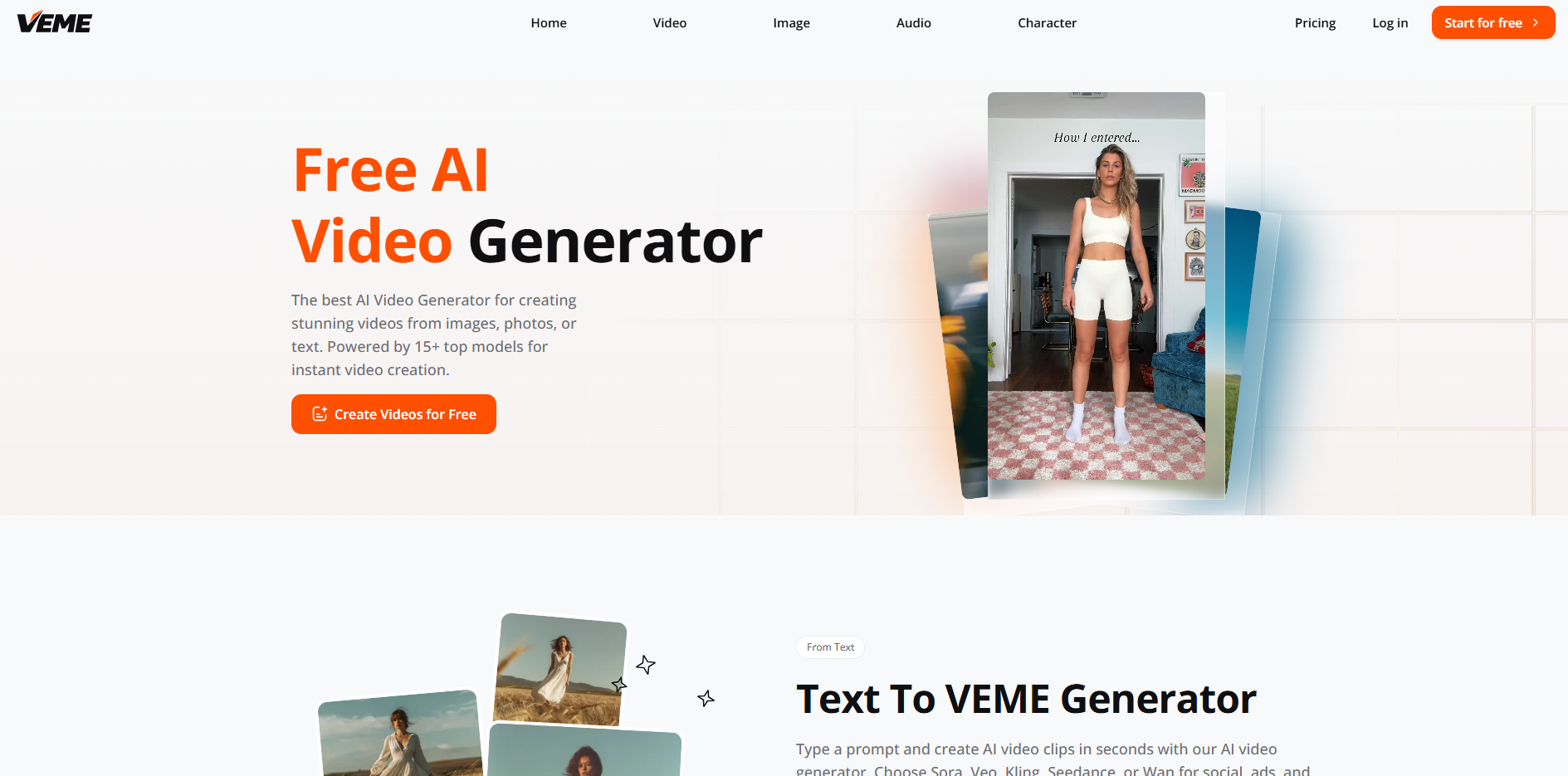
VEME takes a broad approach to AI content creation. Its platform brings together text-to-video, image-to-video, video editing, video extension, lip sync, motion synchronization, video upscaling, sound effects, and video restyling. It also extends beyond video into image generation, image editing, character creation, talking videos, and voice-related tools.
What stood out to me when looking at VEME is that video is treated as part of a larger creative workflow. You might start with a product image, animate it, extend the resulting clip, add sound, and then create additional visual assets without constantly moving between different platforms.
Its text-to-video section also provides access to several models, including Sora, Veo, Kling, Seedance, and Wan, according to the platform's current product information. VEME This model variety is useful because no single AI video model behaves perfectly across every visual style or prompt.
Where VEME Makes Sense
VEME is particularly interesting for creators working on projects that involve several asset types. A social campaign, for example, might require a product image, a short promotional video, a talking character, background music, and several edited variations. Instead of treating each task as a separate project, VEME puts many of those functions into the same environment.
Its image-to-video workflow is also useful when you already have a visual asset. Rather than asking an AI Video Generator to recreate a product from a text description, you can start from an existing image and focus the generation process on movement.
The platform also includes video extension tools. This can be helpful when an otherwise usable AI-generated clip ends too early or when you want to continue a scene rather than regenerate it from scratch.
VideoAI: A Model-Focused Approach to AI Video Creation
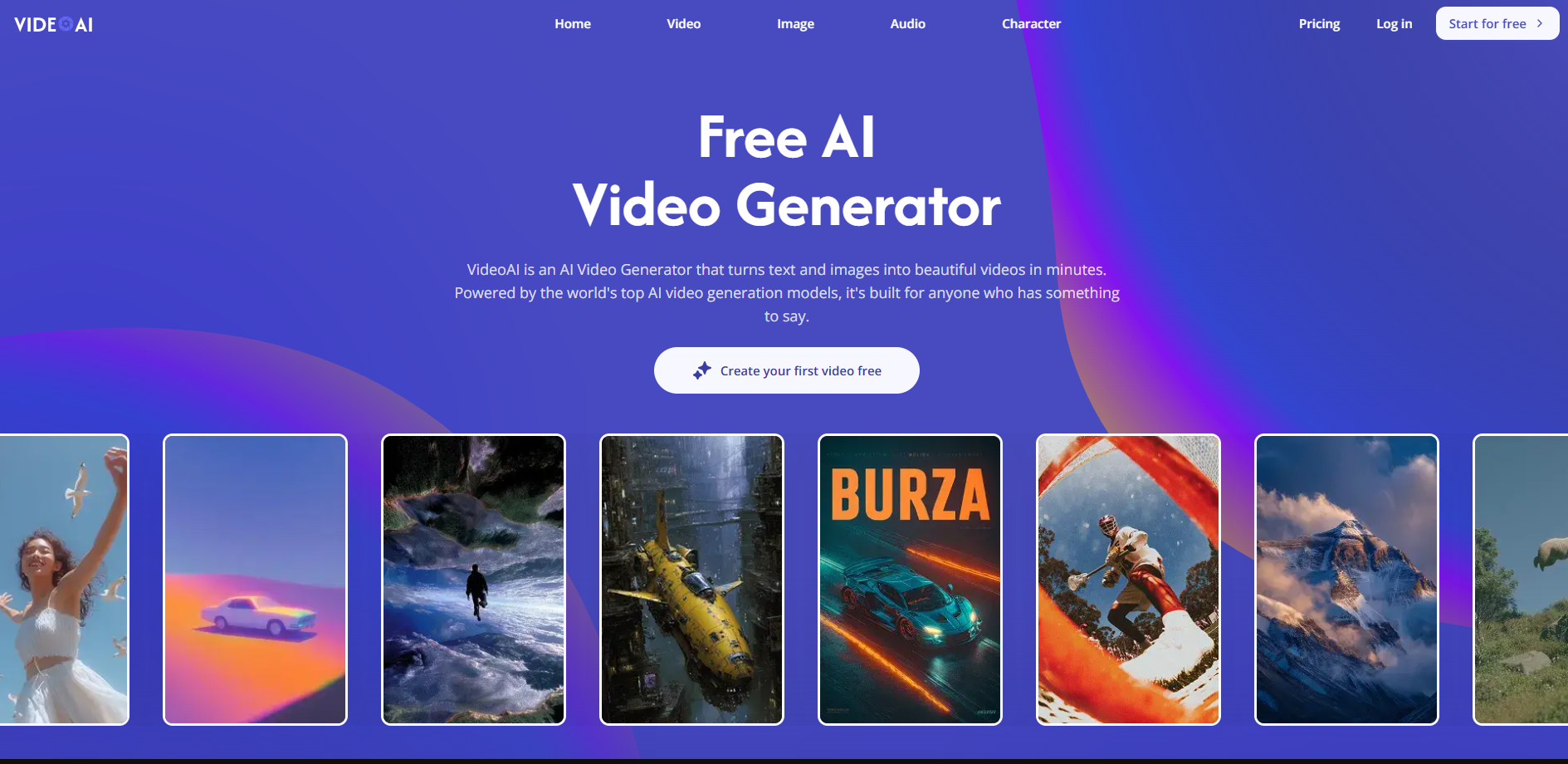
VideoAI approaches the category from a slightly different direction. Its platform combines AI video generation with multiple models, image generation, image-to-video creation, motion controls, video extension, and AI music.
One of the first things worth noticing is its emphasis on model selection. VideoAI currently provides access to models including Kling, Wan, Seedance, and Veo for video generation, while its image workflow includes models such as Nano Banana and Flux.
That makes the platform appealing to creators who like experimenting. Instead of asking, “Which prompt works best?” you can also ask, “Which model handles this prompt best?”
A Useful Workflow for Experimenters
Suppose you want to animate a product photo. One model might produce better camera movement, while another might preserve the product's appearance more effectively. Being able to switch between models gives you another variable to test.
VideoAI also supports image-to-video generation. This is useful for creators who already have product photography, concept art, thumbnails, or other static material and want to turn those assets into moving content.
Its motion-related controls are another important feature. An AI video generator needs to do more than create attractive frames; it needs to produce movement that matches the creative intention. Camera direction, subject movement, and pacing can have a major effect on whether a generated clip is actually usable.
VEME vs. VideoAI: The Similarities Are Clear
Despite their different approaches, VEME and VideoAI have considerable overlap. Both support text-to-video and image-to-video workflows, provide access to multiple AI models, offer video extension capabilities, and include additional tools for images, characters, and audio.
Both also reflect a broader change in AI video production. Creators are no longer limited to one model inside one interface. Instead, platforms are increasingly becoming places where users can experiment with different models and combine generation with editing.
This matters because AI video generation is still unpredictable. A prompt that produces a convincing result in one model may produce strange motion or inconsistent details in another. Model choice can therefore become part of the creative process rather than simply a technical detail.
Where the Two Platforms Start to Diverge
The biggest difference is their overall workflow philosophy.
VEME feels more like a broad AI creative workspace. Its range of video, image, character, audio, and editing functions makes it suitable for projects where the creator needs to move between several types of content.
VideoAI feels more centered around generation and model experimentation. Its combination of multiple video models, image-to-video tools, motion controls, and conversational creation makes it attractive to users who want to explore different ways of generating a specific result.
Neither approach is automatically better. The difference becomes more obvious when you think about the actual job you need to complete.
Which Tool Makes More Sense for Different Projects?
Product Marketing and Social Content
For a campaign involving multiple types of assets, VEME has a practical advantage in breadth. You can work with images, video, characters, audio, and editing tools within the same broader ecosystem.
VideoAI can also work well for this scenario, particularly when you already have product images and want to experiment with different video models before deciding on a final visual direction.
Model Experimentation
VideoAI is particularly relevant if you enjoy comparing models. Different models can interpret the same prompt in noticeably different ways, especially when movement, camera behavior, and visual composition are involved.
For example, instead of repeatedly rewriting a prompt that is producing poor motion, switching to another generation model may produce a more useful result. This makes model selection another creative lever.
Broader Content Production
VEME is worth considering when video is only one part of the project. Its wider collection of creative functions makes it possible to move from image creation to video generation, editing, character content, and audio without treating every task as a completely separate workflow.
This is particularly relevant for small marketing teams and solo creators who would rather manage fewer tools.
Don't Judge an AI Video Generator by Its Demo Reel
One lesson from comparing these platforms is that visual quality should not be the only evaluation criterion.
A polished 5-second demo can look impressive and still be frustrating to use in a real campaign. The more useful questions are practical ones: Can the tool work with your existing images? Can you control movement? Can you extend or revise a clip? Can you try different models? Can you turn one generation into several usable assets?
Consistency also matters. AI-generated characters, products, and environments can sometimes change between frames, so a platform's ability to provide references, motion controls, editing options, or multiple generation approaches can become more important than the first result you see.
For that reason, I would test an AI video generator with a real project rather than a carefully selected demo prompt. Give it an actual product image, a specific campaign requirement, and a fixed output format. The result will tell you much more about whether the workflow fits your needs.
Final Thoughts
VEME and VideoAI are built around a similar idea: AI video creation is becoming a multi-model, multi-tool process rather than a single prompt-to-video function.
VEME stands out for the breadth of its creative toolkit, covering video alongside images, characters, audio, and editing. VideoAI places greater emphasis on model choice, generation workflows, image-to-video creation, and motion experimentation.
So there is no obvious universal winner. If your projects jump between different types of visual content, VEME may feel more convenient. If you prefer testing different generation models and controlling how a particular clip develops, VideoAI may fit your workflow better.
The more useful question is not simply which AI video generator is the best. It is which one gives you enough control, flexibility, and editing options to turn a generated clip into content you can actually publish.