
Essential Digital Tools Every Student Should Know in 2026


Technology has changed the way of studying. Thanks to technology, student life is no longer just about books and classes. Today, students make their notes and prepare their projects using digital tools. In this blog post, we are going to talk about a few essential digital tools that help students with daily tasks and are worth trying.
1. ChatGPT - Best AI Tool for Learning
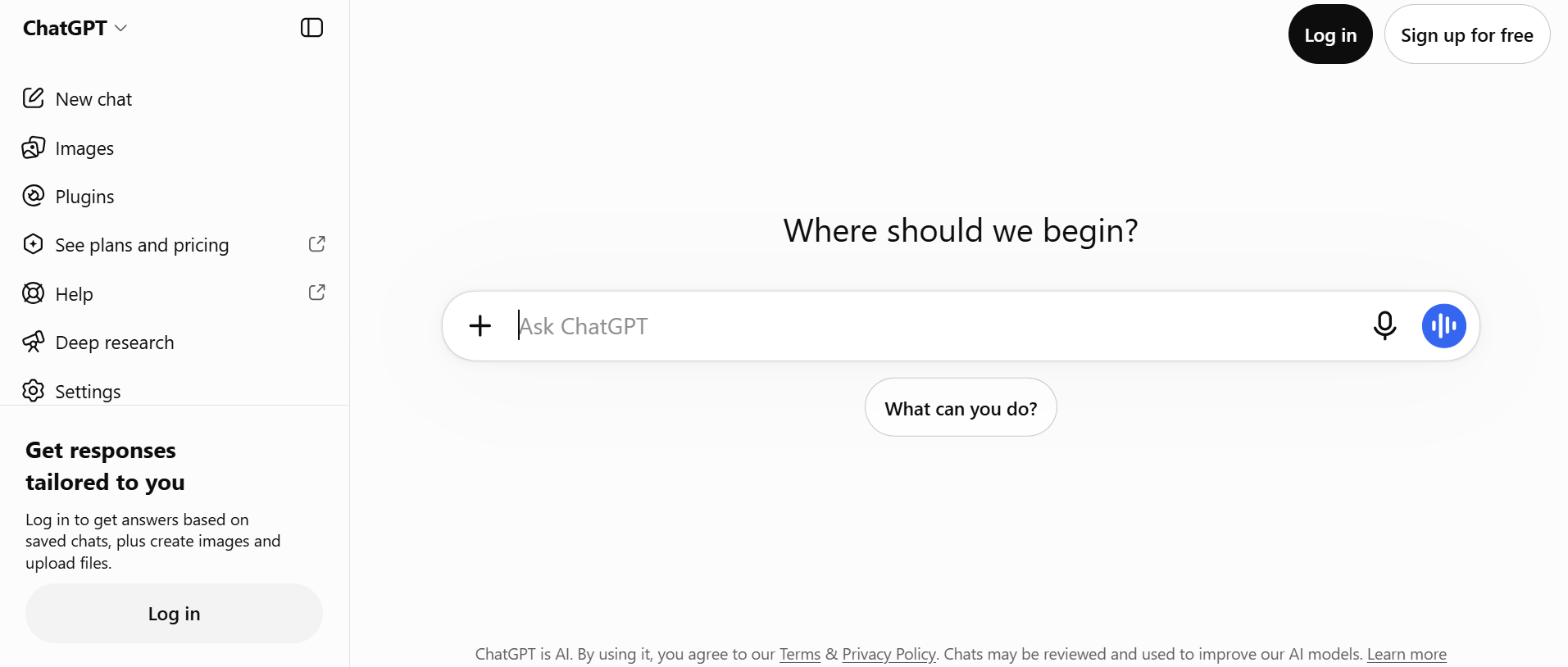
ChatGPT is one of the most famous AI chatbots and requires no introduction. It is a handy tool for students too. If you are a student reading a lesson and finding it difficult to understand. Simply open ChatGPT and ask it to explain the topic in simple language. GPT will do that in seconds. You can further ask GPT questions about certain parts to clear up your concepts better.
Use cases for students
ChatGPT is a good helper for students when you get stuck. Students can use it to:
- Make a study plan for exams.
- Turn notes into quiz questions.
- Get help with a math problem.
- Ask for a short summary of a long topic.
- Learn about a subject step by step.
Note: ChatGPT is a very helpful AI chatbot; there is no doubt about that. However, ChatGPT can also make mistakes and provide outdated information. So, if you use ChatGPT for study assistance, you must verify its answers. Also, the wise use of such tools is necessary. Copying answers from ChatGPT for assignments or other study tasks is not wise.
2. PhotoStar - Free Photoshop Alternative
Slides, reports, and class projects are among the necessary elements of today’s education. Students often come in need of a photo editor to handle such tasks. For example, to make a photo fit a page or remove unwanted sections from a figure. Traditionally, Photoshop by Adobe is used for such tasks, but it is paid.
PhotoStar lets you use Adobe Photoshop online for free. It is an online photo editor that runs in your browser. You do not need to install an app or make an account before you start.
Use cases for students
Some useful things students can do with PhotoStar include:
- Crop and resize photos.
- Remove photo backgrounds.
- Erase unwanted objects.
- Add text and shapes.
- Change image colours and lighting.
- Open and edit supported PSD files.
The editor also has layers and masks for more detailed work. However, it may take some practice to use these tools. Some AI features need an internet connection and might have limits.
3. Grammarly - AI Writing Assistance
One of the most hectic tasks in student life is academic writing. A small spelling mistake can change how a sentence reads. Long sentences usually make the work hard to follow. Grammarly is an AI assistant that helps students spot and fix such issues.
Grammarly is a tool that checks writing and points out errors in it. Students can use it to remove grammatical and spelling errors from their writing pieces. It may also suggest ways to make your sentences clearer.
Use cases for students
Students can use Grammarly for:
- Spelling and grammar checks.
- Punctuation help.
- Word choice tips.
- Suggestions for clear writing.
Grammarly is useful when students want to check their work before they send it to a teacher. Its free plan covers basic checks. Some advanced tools need a paid plan.
4. Google Scholar - A Useful Research Assistant
A regular Google search can show you blogs, news sites, videos, and many other pages. But what should you do when you need research papers for a class task?
Google Scholar can help. It is a search tool for academic work. For example, you may need facts about climate change for a school report. Search for the topic on Google Scholar and look through the results. You can check the paper title, author, and date before choosing a source.
Use cases for students
Google Scholar helps students:
- Find related research.
- Check paper citations.
- Search for work by an author.
- Find studies on a specific topic.
One thing to keep in mind is that some papers are not free to read. You may need access through a school or library.
Final Thoughts
As a student, if you have the right digital tools, you can save time and make the study process easier. Above, we have discussed four different options that are thought to be an essential part of a student's toolkit.
You do not need all four tools at once. Start with the tasks that take up most of your time. Try them with a small task first. Then keep using the tools that truly help you learn and work better.