
5 Best AI Tools for Creating Songs and Social Videos in 2026


An original song can carry a social launch, but a track alone rarely gives creators enough material for YouTube, TikTok, Reels, and Shorts. The hook has to work in a short clip, and the visuals need to feel connected to the music rather than added at the end.
The tools below address different points in that process: shaping the song, turning it into video, and creating clips that can be used beyond the first post. The right starting point depends on whether you already have a finished track or still need to find its sound.
The Five Tools
1. AISong
Product view: AISong
Why It Made the Shortlist
AISong earns the first position because the visual campaign is stronger when the track has a clear hook and identity. Creators can work in lyrics or description mode, then guide genre, mood, voice, and tempo before selecting the song that will lead the release.
A Practical Release Workflow
For teams starting with only a concept, an AI Song Generator provides the audio foundation: generate two or three contrasting drafts, choose the version with the clearest chorus, and carry that version into visual production. This avoids spending time polishing visuals around a weak musical premise.
Best Publishing Scenario
AISong is the better starting point when the song does not yet exist. It is especially useful for social creators who want original vocals and a defined mood before deciding whether the final post should be a performance clip, visualizer, or lyric video.
2. MakeSong
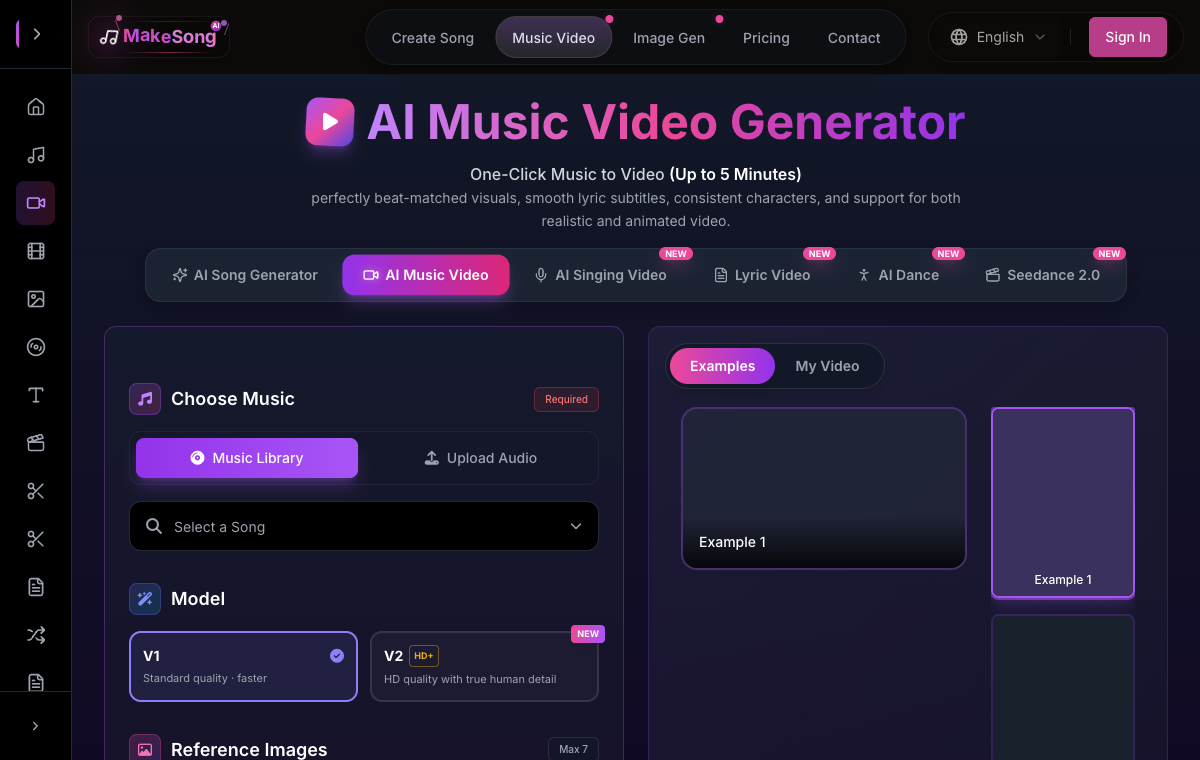
Product view: MakeSong
Why It Made the Shortlist
MakeSong moves directly into the visual stage. Its music-video workspace accepts a song and reference images, offers multiple output settings, and is designed around beat-matched scenes, lyric subtitles, character consistency, and optional lip sync.
A Practical Release Workflow
As an AI Music Video Generator, it is a practical choice for turning the selected track into a full campaign asset. Use a small set of visually consistent images, write one focused video prompt, and export a master version before adapting shorter excerpts for vertical feeds.
Best Publishing Scenario
Choose MakeSong when the audio is ready and the bottleneck is production. Its combination of music input, reference imagery, subtitles, and performance options is more direct than assembling every shot manually in a general editor.
3. Rotor Videos
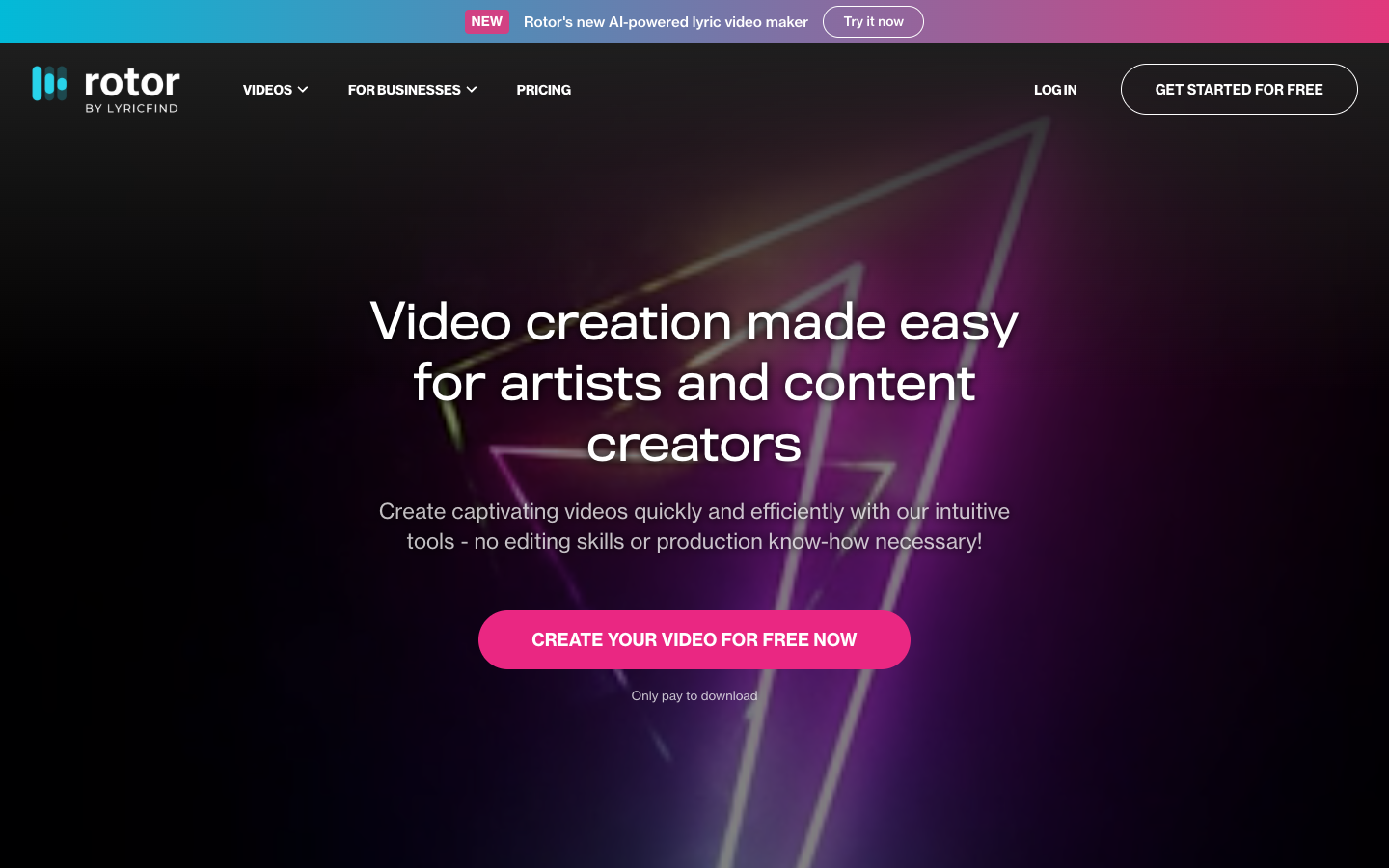
Product view: Rotor Videos
Why It Made the Shortlist
For this comparison, Rotor Videos is included to turn a finished track into a musician-focused promo without building an edit from zero. Rotor Videos is built around musicians rather than general-purpose editing. It turns an existing track into a promotional video by combining the song with a chosen visual direction and music-aware pacing.
A Practical Release Workflow
Bring a mastered or near-final track, define the mood and visual character, and create versions for the release channels that matter. The tool is most effective after the audio identity is settled. For this social-video brief, judge the result in a phone-sized preview and confirm that the first seconds communicate the song without extra explanation.
Best Publishing Scenario
Rotor Videos is the release-clip option once the track is locked: it can shape a musician-oriented promo quickly, but a detailed narrative edit still calls for a fuller timeline workflow.
4. PlazmaPunk
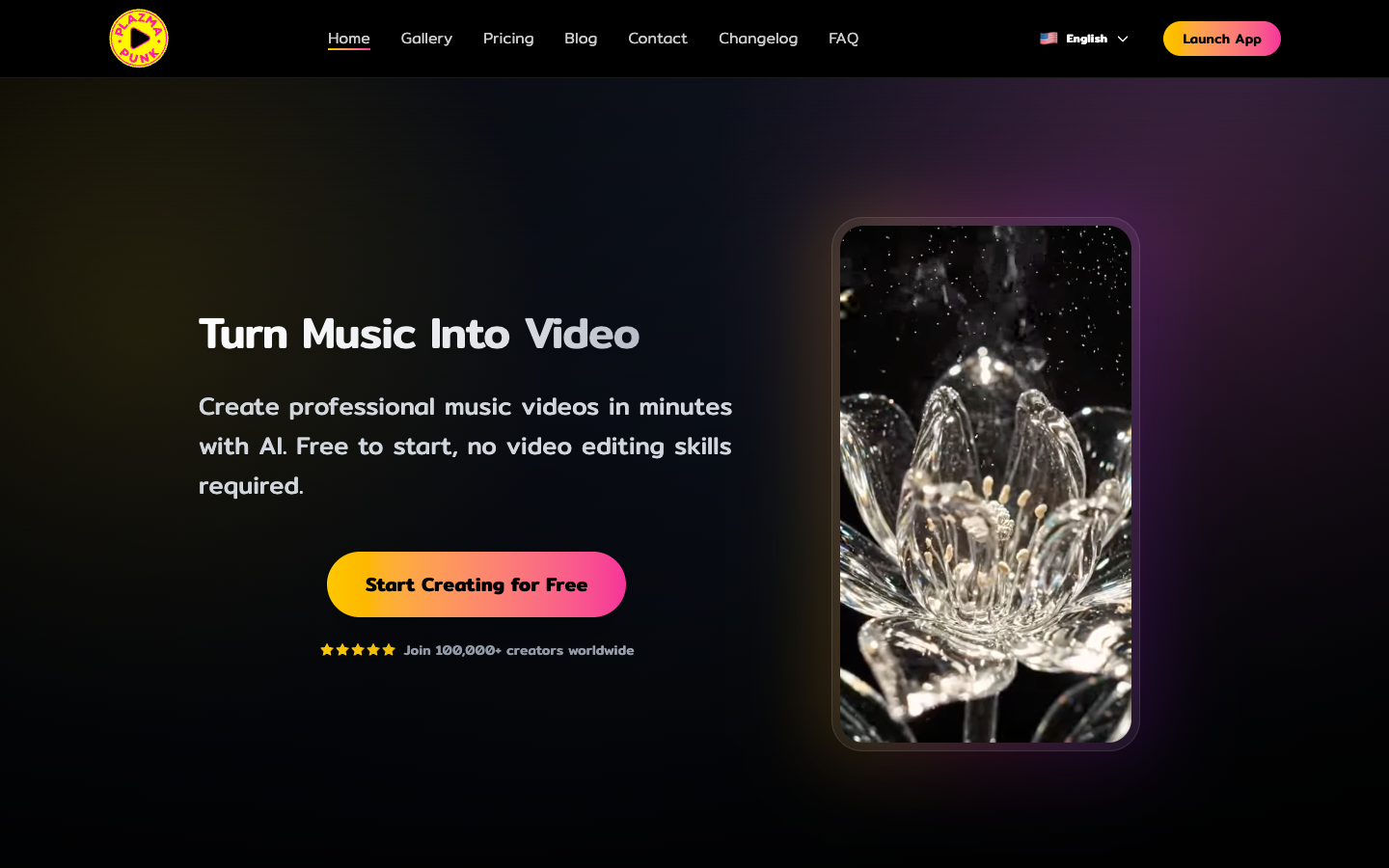
Product view: PlazmaPunk
Why It Made the Shortlist
For this comparison, PlazmaPunk is included to give an audio release a stylized visual world when filmed material is unavailable. PlazmaPunk treats the song as the source for a generated visual world. That makes it useful for artists who want something more expressive than a waveform but do not have filmed footage or a production crew.
A Practical Release Workflow
Select the track section that carries the strongest mood, establish a coherent visual style, and generate around that identity. Reusing the same visual vocabulary across teasers can make a small release feel more unified. For this social-video brief, judge the result in a phone-sized preview and confirm that the first seconds communicate the song without extra explanation.
Best Publishing Scenario
PlazmaPunk earns its place when the song needs an art-directed visual atmosphere and there is no performance footage to work with; it is less suited to a documentary stage look.
5. SongRender
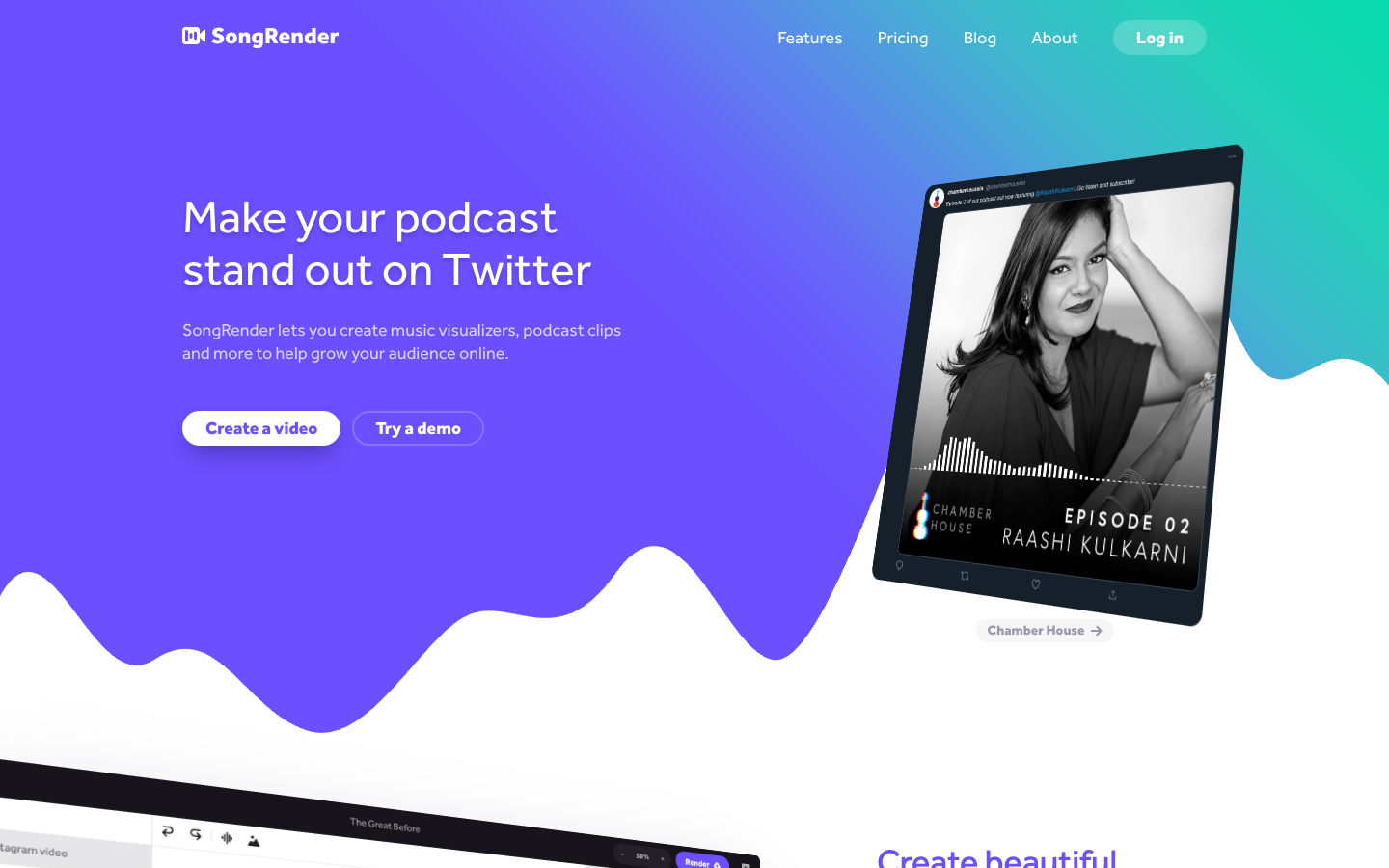
Product view: SongRender
Why It Made the Shortlist
For this comparison, SongRender is included to package a track or excerpt into a fast, legible social post. SongRender converts audio into clean, shareable video formats built around artwork, text, and sound. It solves the common problem of publishing a song on platforms that expect video even when no filmed material exists.
A Practical Release Workflow
Prepare cover art, choose the most engaging excerpt, add readable identification, and export for the target feed. Because the format is simple, the quality of the artwork and the first seconds of audio carry most of the result. For this social-video brief, judge the result in a phone-sized preview and confirm that the first seconds communicate the song without extra explanation.
Best Publishing Scenario
SongRender answers the simplest publishing need in this group: a readable artwork-and-audio post that can go live fast, without pretending to be a cinematic music video.
Which Tool Should Lead the Release?
Start with AISong if the campaign still needs an original track. Move to MakeSong when the priority is a fuller music-video treatment with synchronized visual elements. Rotor Videos is a focused alternative for musician promos, PlazmaPunk suits art-driven releases, and SongRender is the fastest route to a clean audio post. The right choice depends on whether the missing asset is the song, the visual concept, or simply a platform-ready export.
Editorial note: Features, credits, limits, and licensing terms may change. Verify the current product page and plan terms before commercial publication.